
When slicing Accuware shows the error "Slice Failed", and in the background bottom, the graphic card model is displayed in red.
1. When slice the 3D model file, please pay attention to the graphic card status at the bottom, it should be displayed in grey when running properly. When it's displayed in red or yellow, means the error is from graphic card.
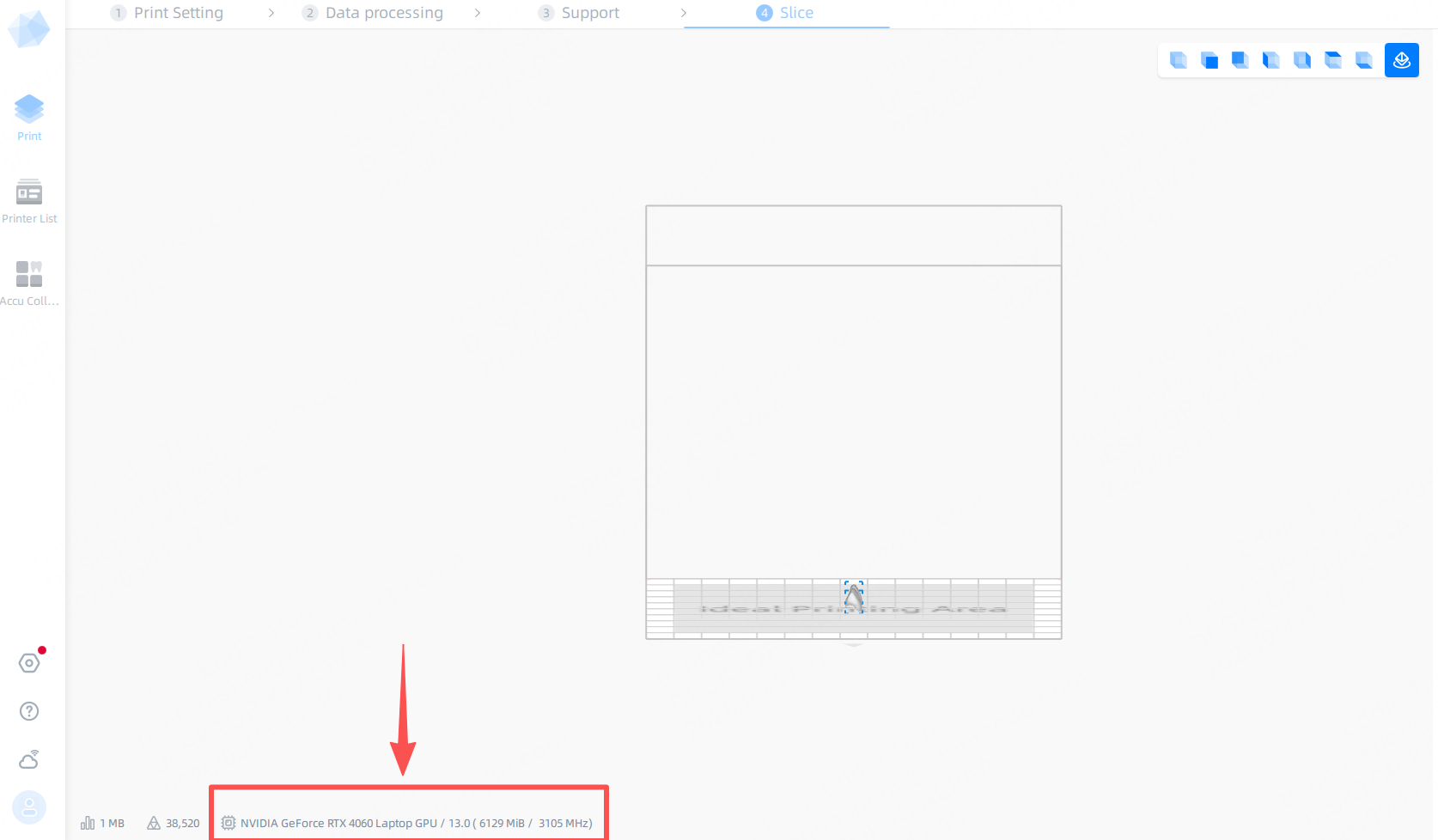
2. Please check graphic card driver and Nvidia setting.