Scenario:
When launching AccuWare, the application fails to start and an error dialog appears, showing memory-related error information such as 0x…….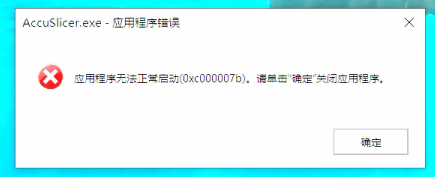
Cause:
Changes in the user’s system environment (such as system or software updates, or certain user actions) may cause the system libraries required by AccuWare to become corrupted or abnormal, which triggers this error.
Solution:
- First, try reinstalling AccuWare;
- If the issue persists, uninstall all locally installed Vcredist components;
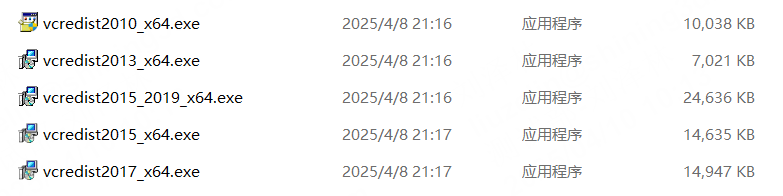
- Then install all packages located in the AccuWare\InstallParts\Vcredist folder;
- After installation, restart AccuWare and test again;
- If the problem still exists, please submit a support ticket using the following link:
https://support.shining3ddental.com/en/support/tickets/new
An engineer will contact the R&D team to assist with further troubleshooting.