Scenario:
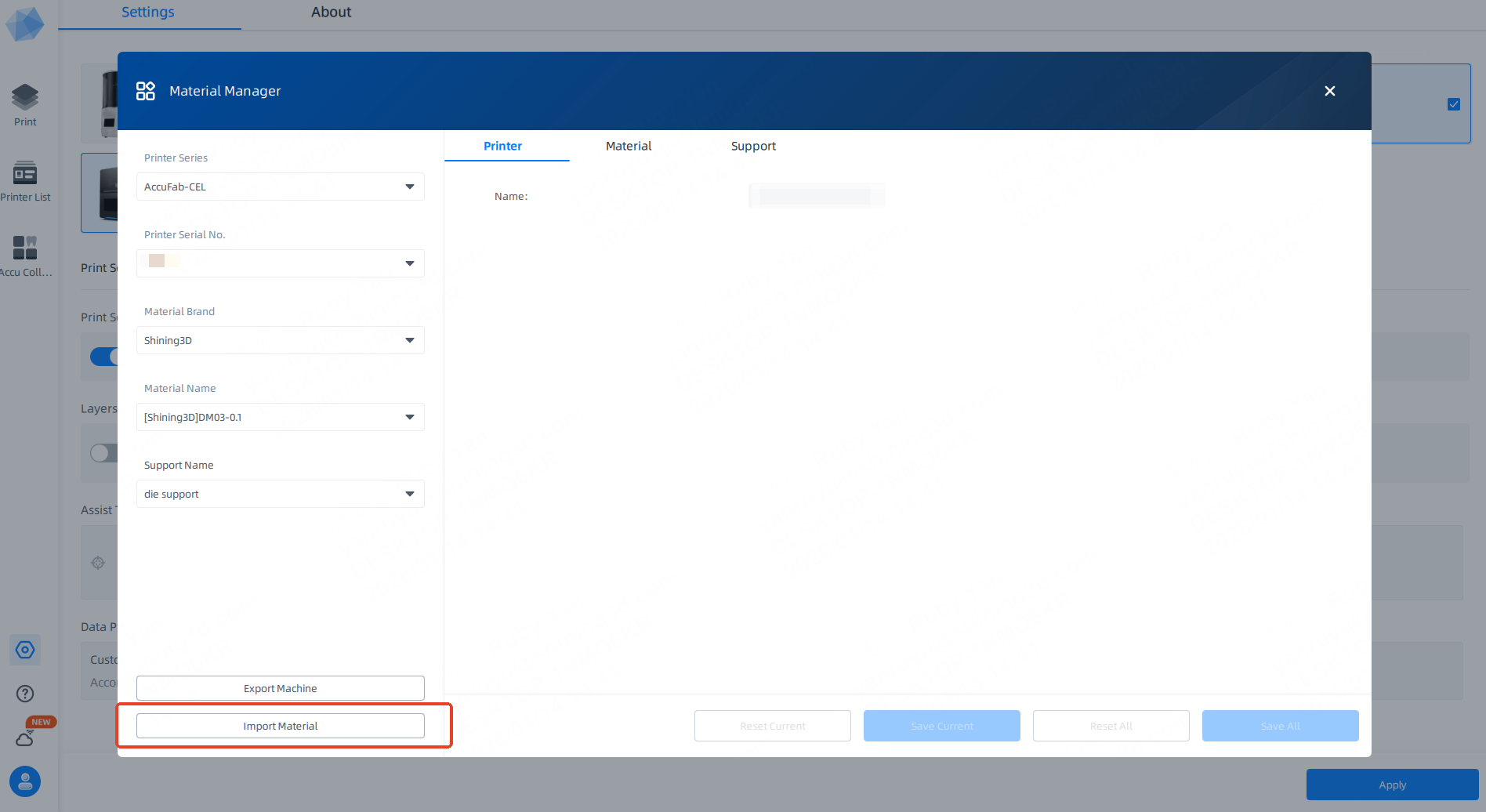
After using Ctrl + C / Ctrl + V to copy material files from another machine into the machine folder under 3DDlpDocuments3, the material cannot be found in AccuWare.
Cause:
Due to the fingerprint lock mechanism, this operation is not permitted. Materials cannot be imported by directly copying files into the folder.
Solution:
Please use the material export and import function within AccuWare to transfer the materials.