
How to Send a Case to Your Dental Lab Using the Shining 3D Cloud Portal

       1. Visit dental3dcloud.com


       2.Under the actions tab, click the arrow.


       3. Select your target lab and enter the delivery date
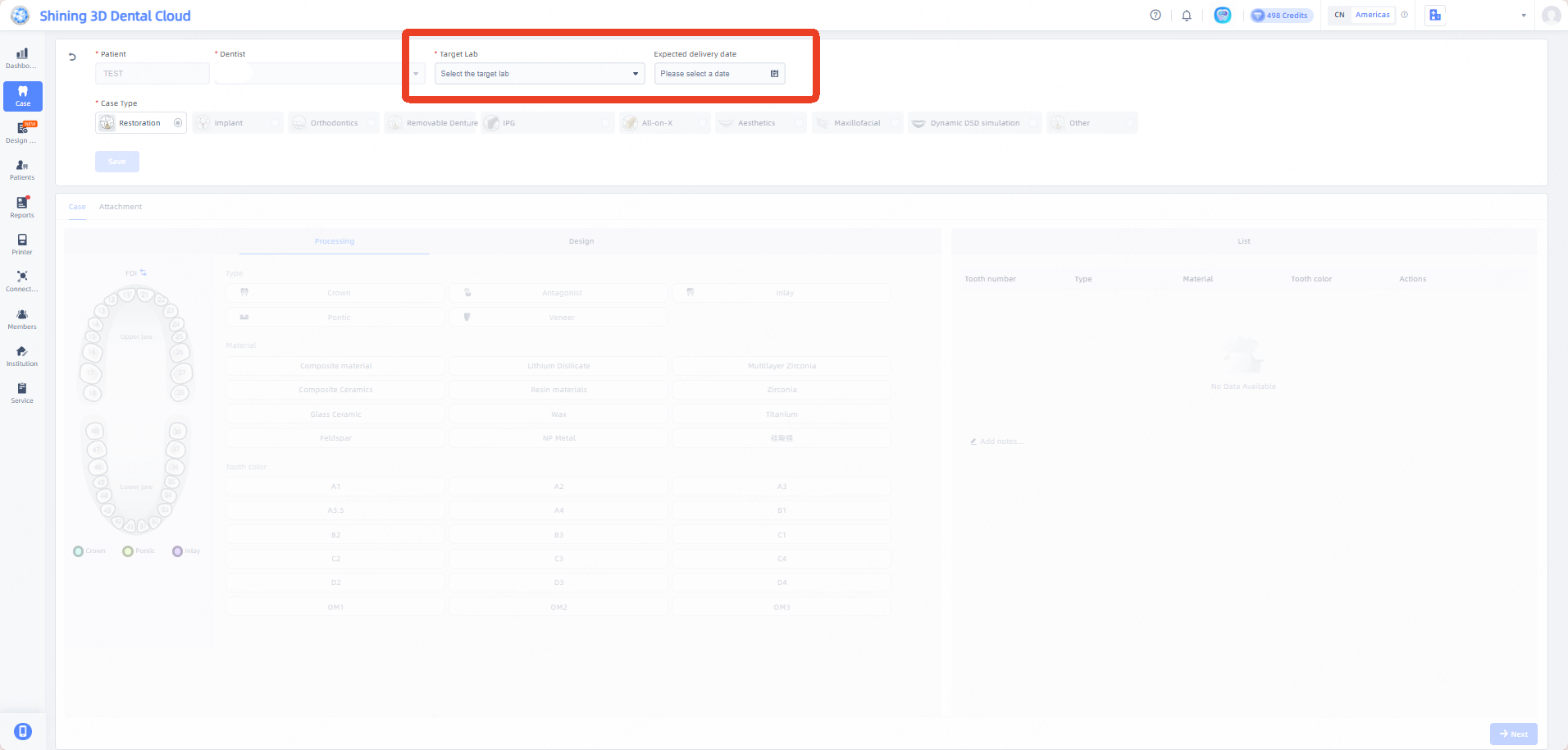

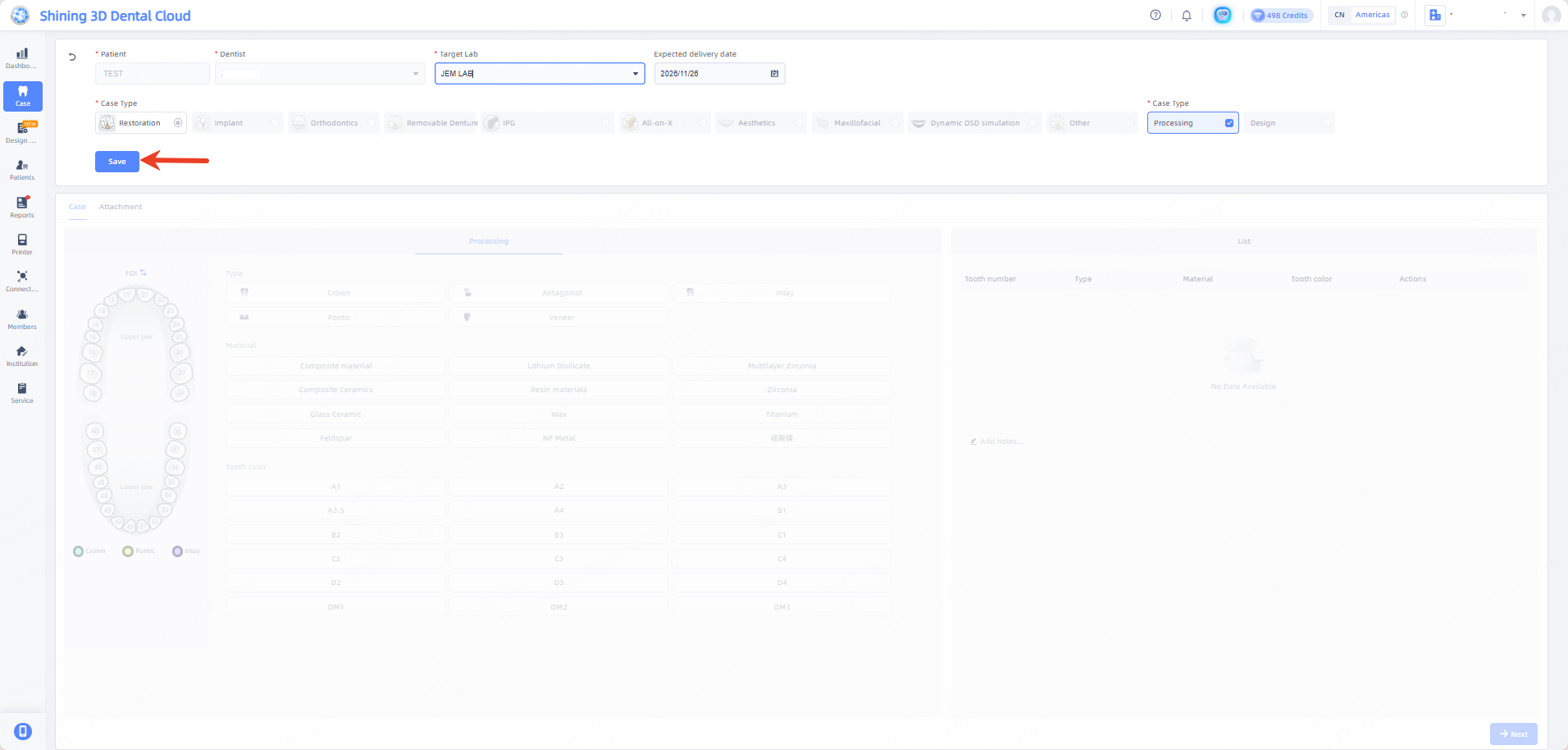
        4. Click save.

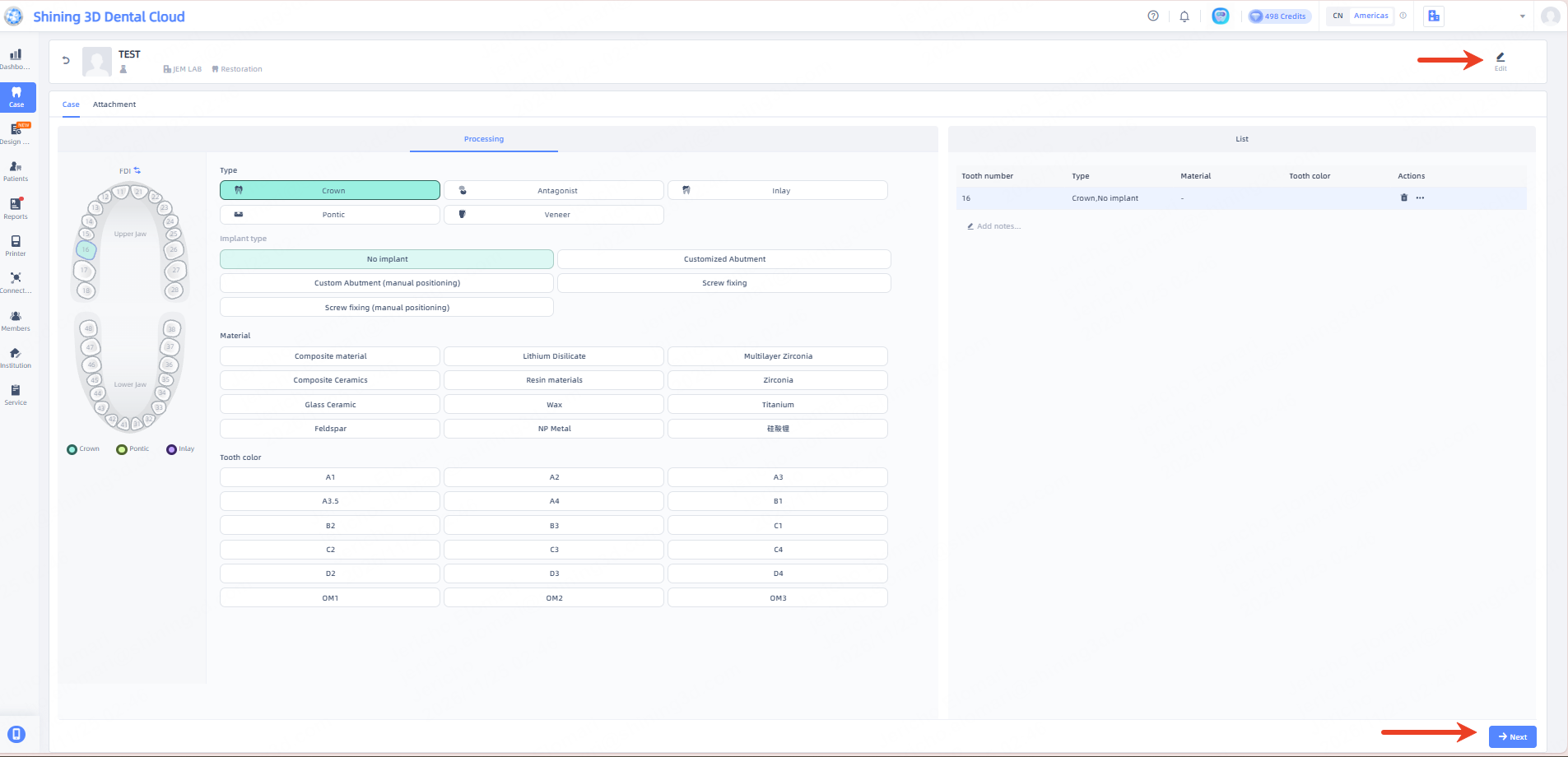
      5. Edit or verify the order information is correct, and click next. 

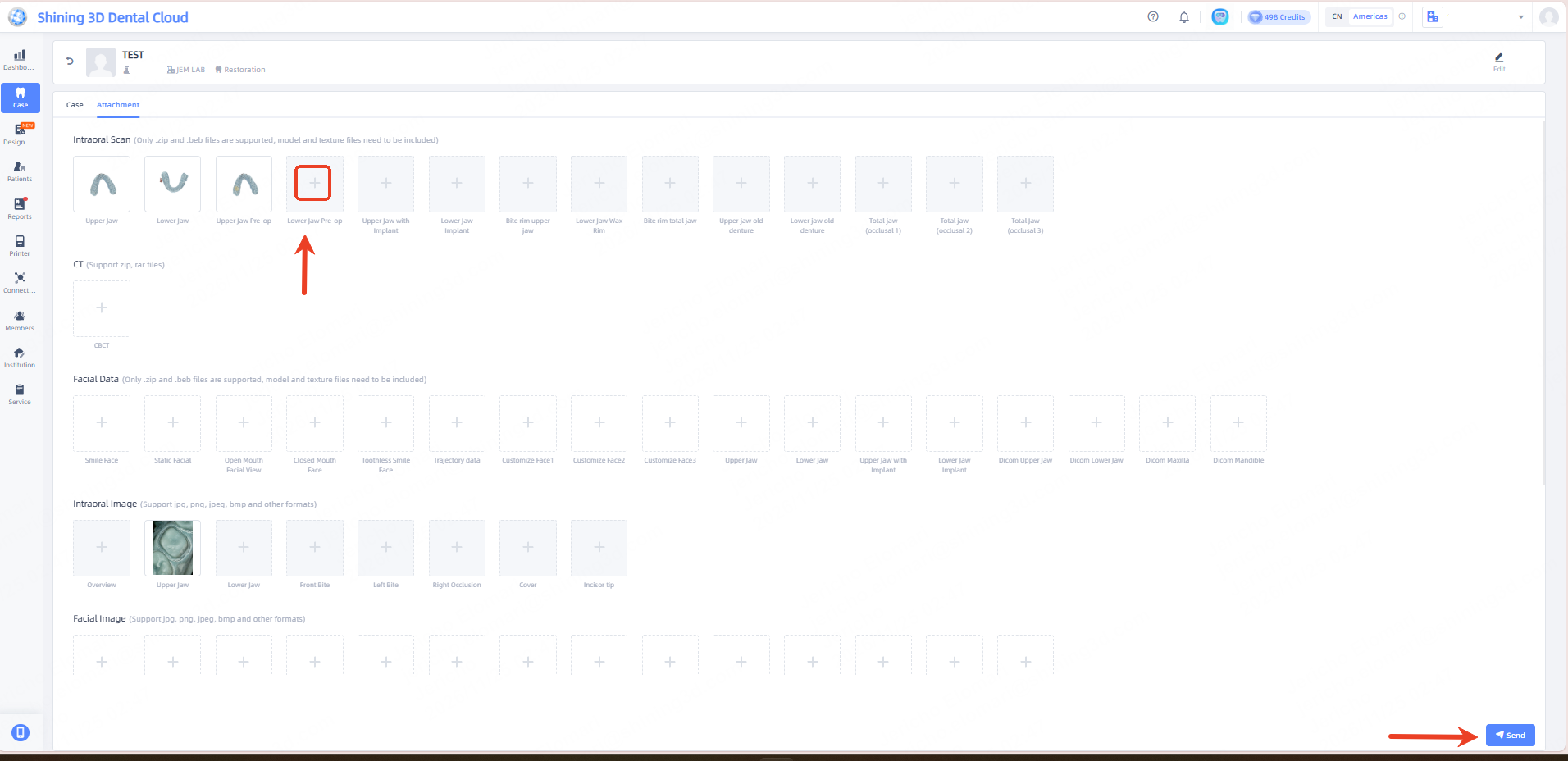
     6. Add attachments and or, click send.
Did you find it helpful? Yes No

Send feedback
Sorry we couldn't be helpful. Help us improve this article with your feedback.