
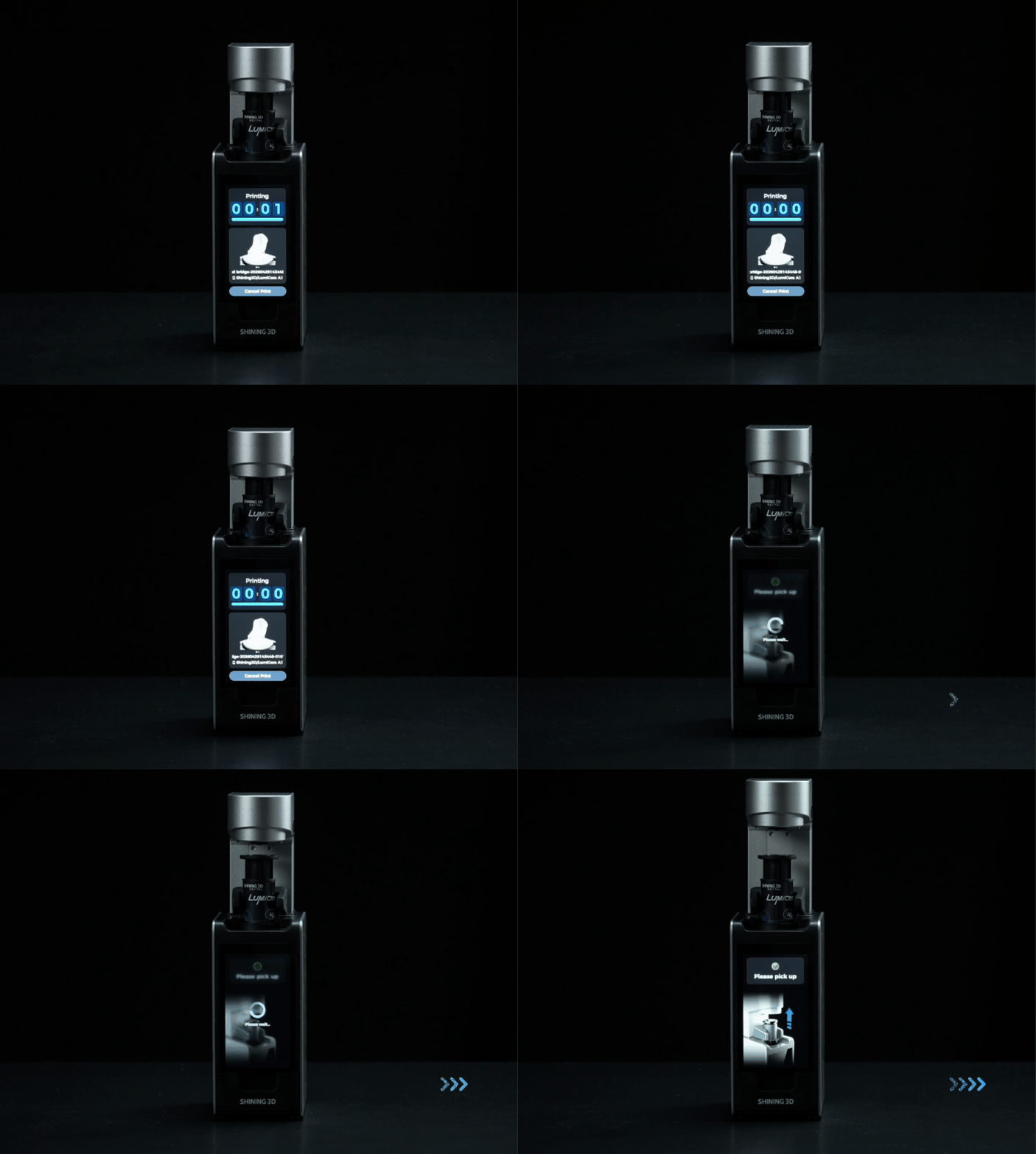
Remove the capsule
When printing is complete, the Print Arm automatically raises, and the touchscreen prompts you to remove the resin capsule.
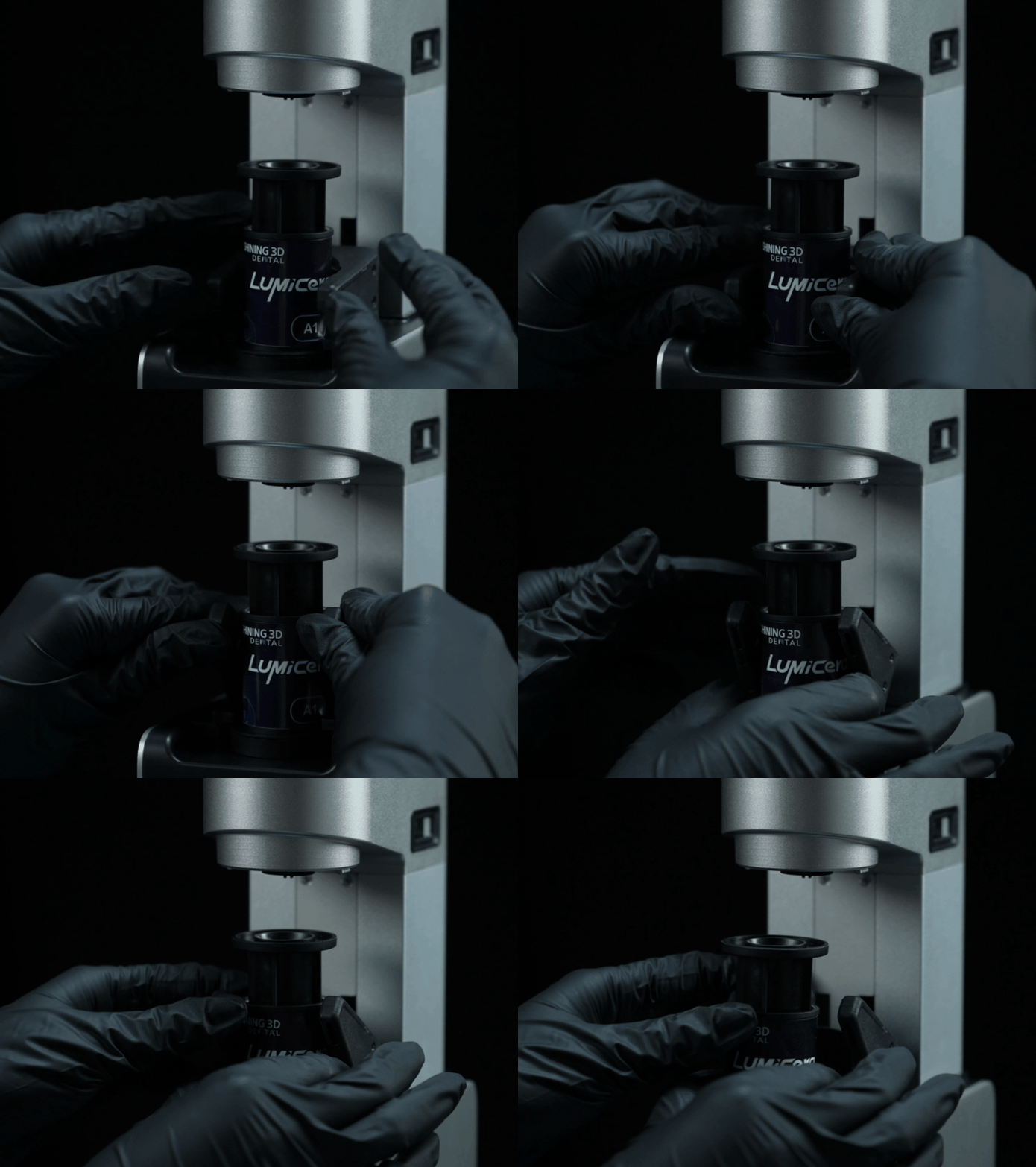
Rotate the Latch to unlock the Resin Capsule, then remove the capsule from the printer.
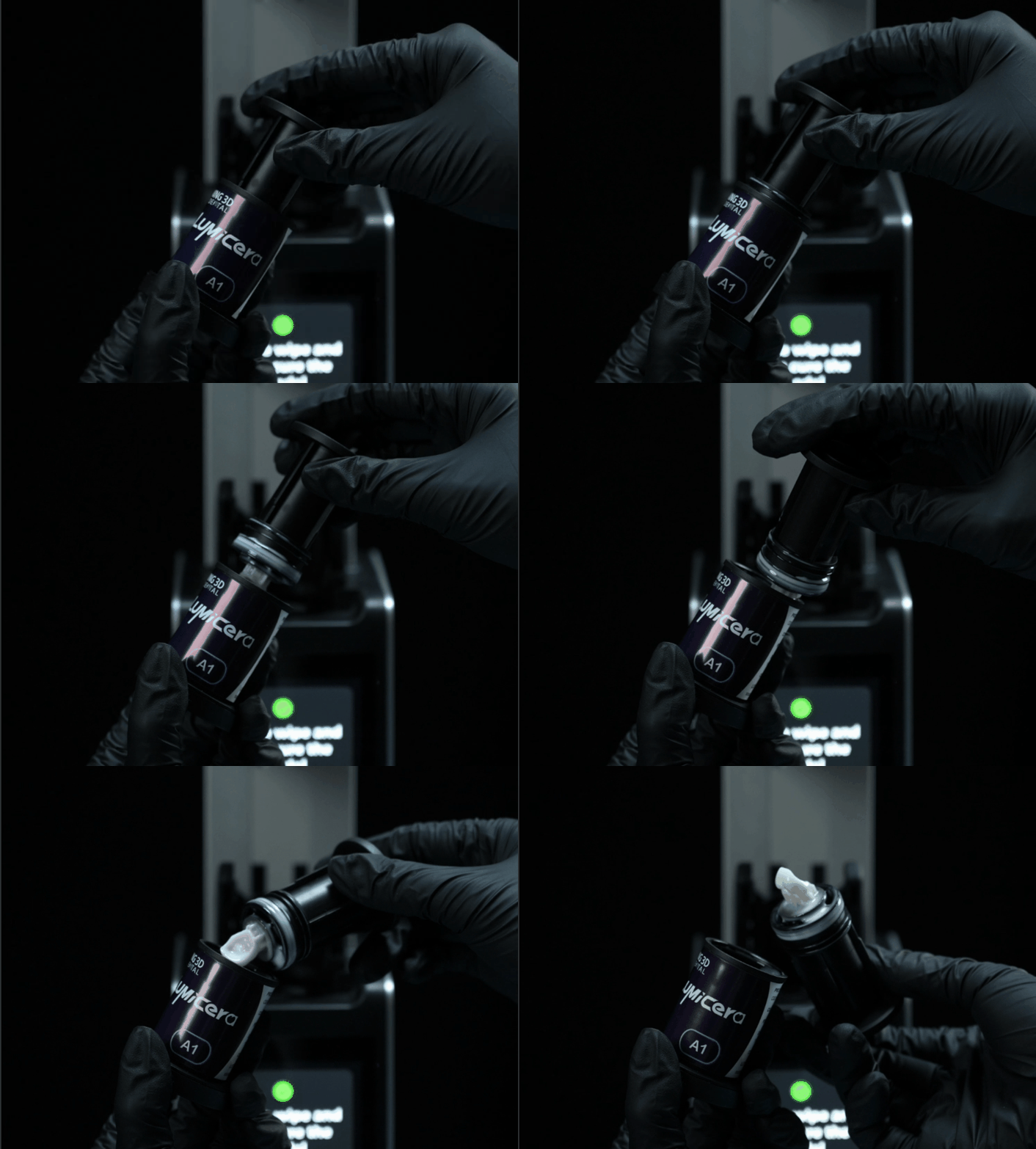
Gently rotate the Build Platform while pulling it upward until it separates from the capsule.
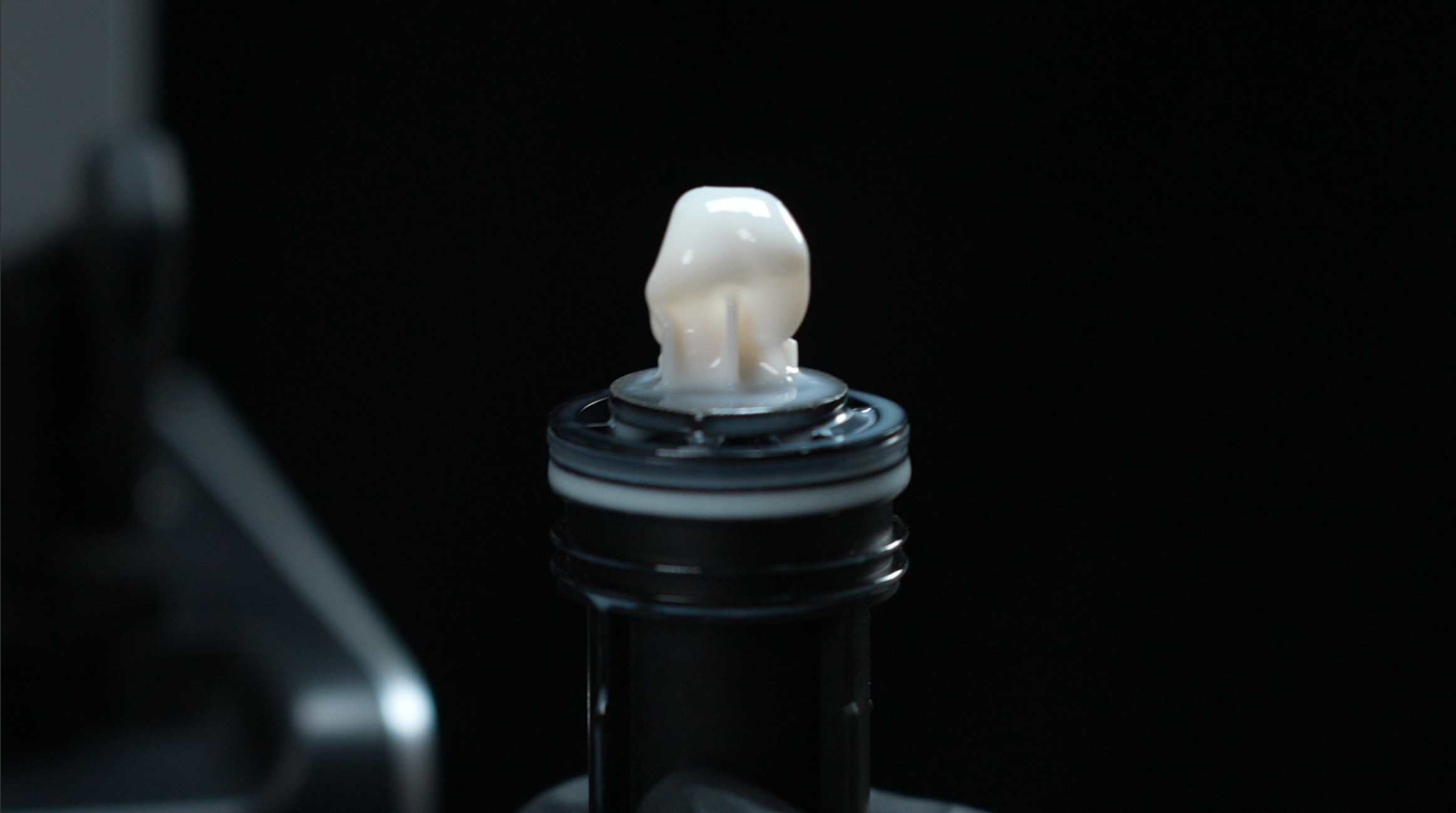
The printed restoration is now ready for post-processing, including cleaning, curing, and polishing.