Prepare the Capsules
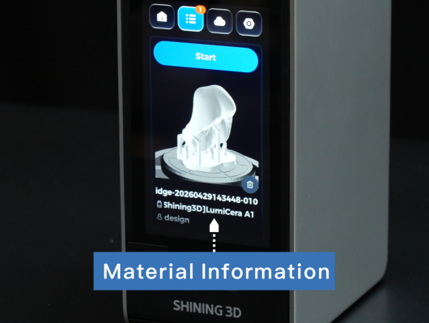
• Check the latest print job in the Printer Queue on the printer touchscreen.
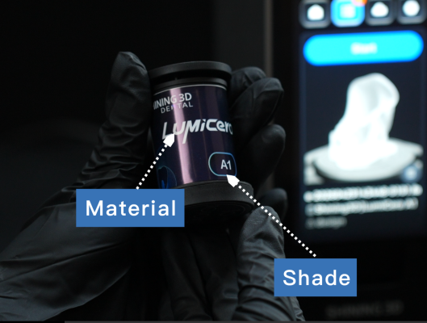
• The printer screen displays the required material and shade information.
• Prepare the corresponding resin capsules according to the displayed material type and shade.
Capsule QR Code
• Nano uses QR code verification to identify each resin capsule. Before printing, every capsule must be scanned to ensure the correct material is used for the print job.
• Each resin capsule has a QR code for material verification.
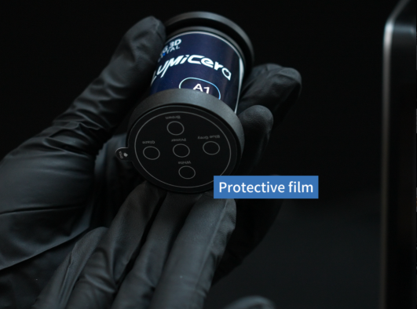
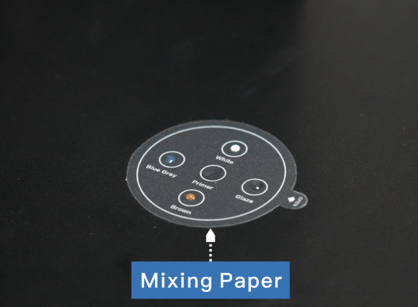
Protective film
The optical window at the bottom of the capsule is protected by a removable protective film.
Note: Do not remove the protective film before scanning the capsule. The protective film can later be used as a mixing palette for characterization stains and glazing materials.
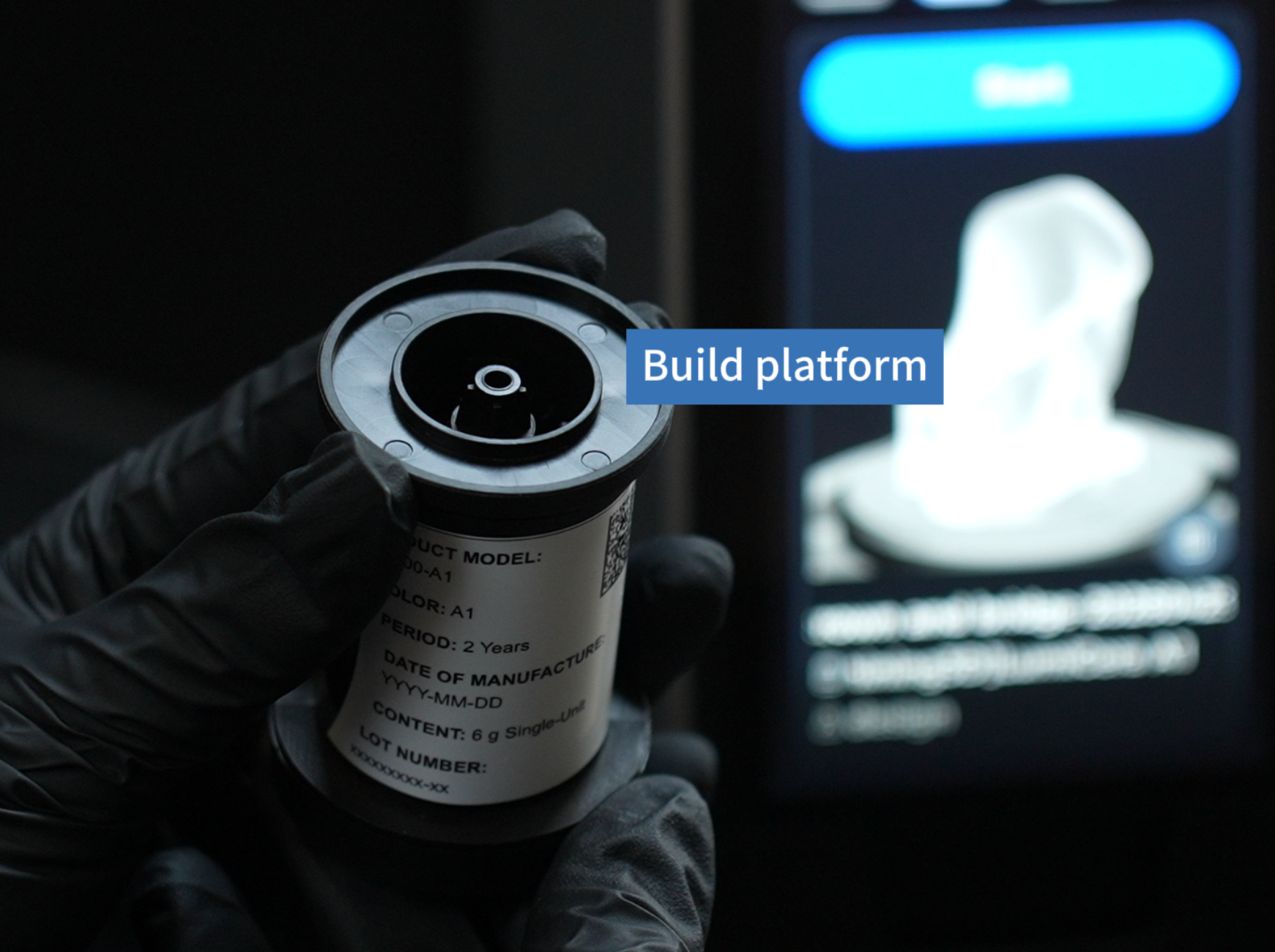
Build Platform
The Build Platform on the top of the capsule is gripped by the printer's print arm during resin stirring and printing.