
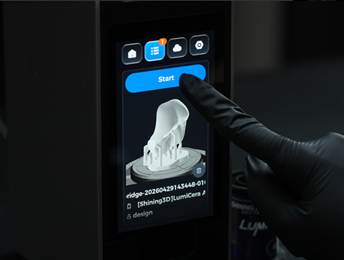
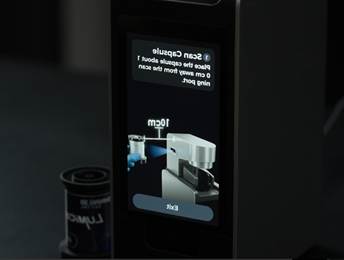
Scan the Capsule QR Code
• Select the print job in the Printer Queue and tap Start Printing.
• Follow the on-screen instructions to scan the resin capsule.
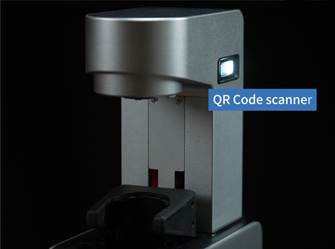
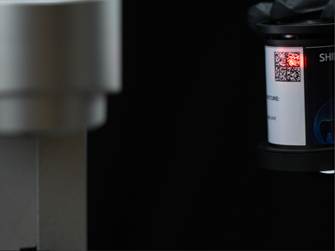
The QR Code Scanner is located on the right side of the Print Arm. Hold the capsule with the QR code facing the scanner at a distance of approximately 10 cm (4 inches).
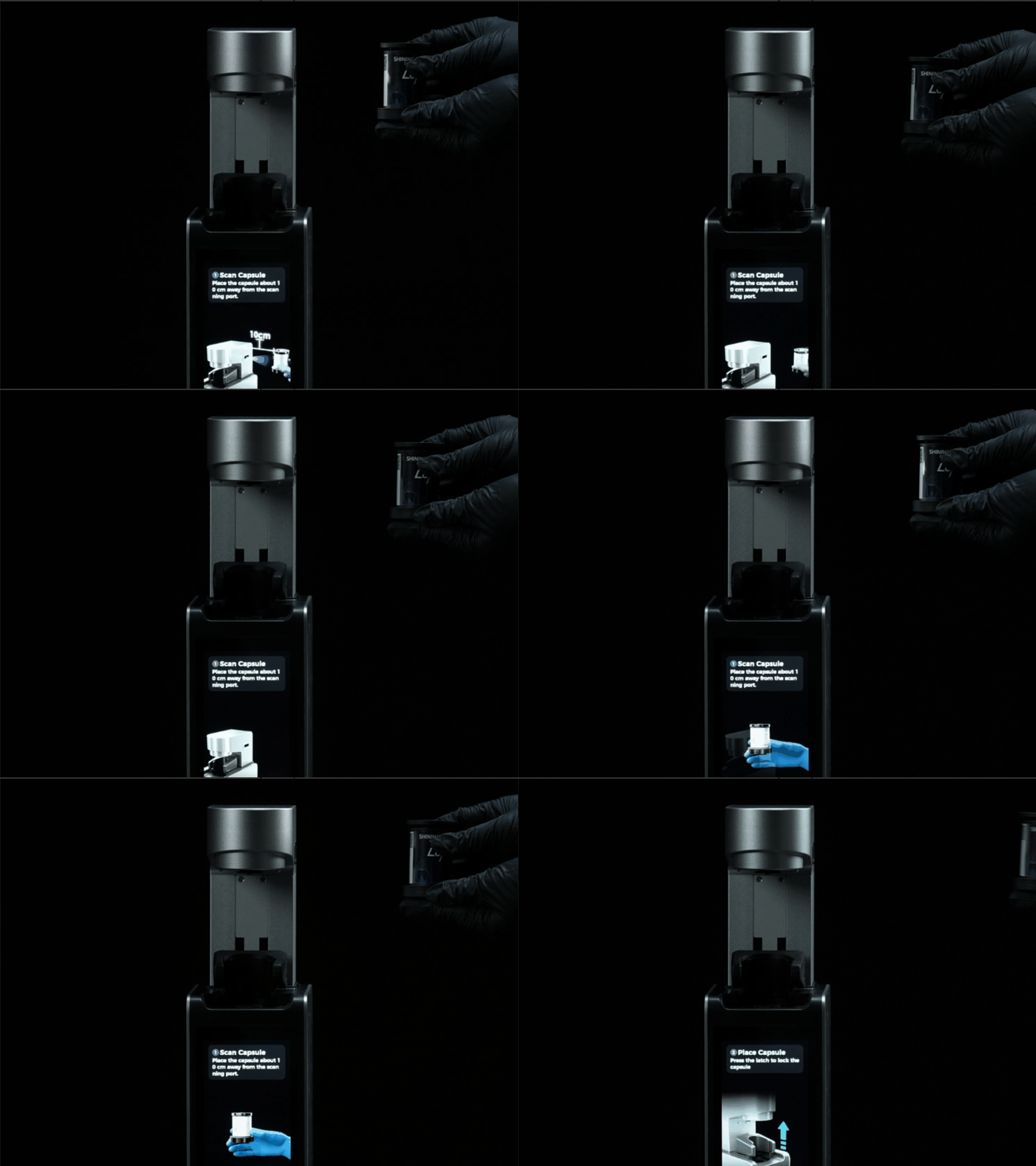
• The printer will automatically verify that the capsule material matches the requirements of the selected print job.
• Once the verification is successful, the printer will automatically proceed to the next step.
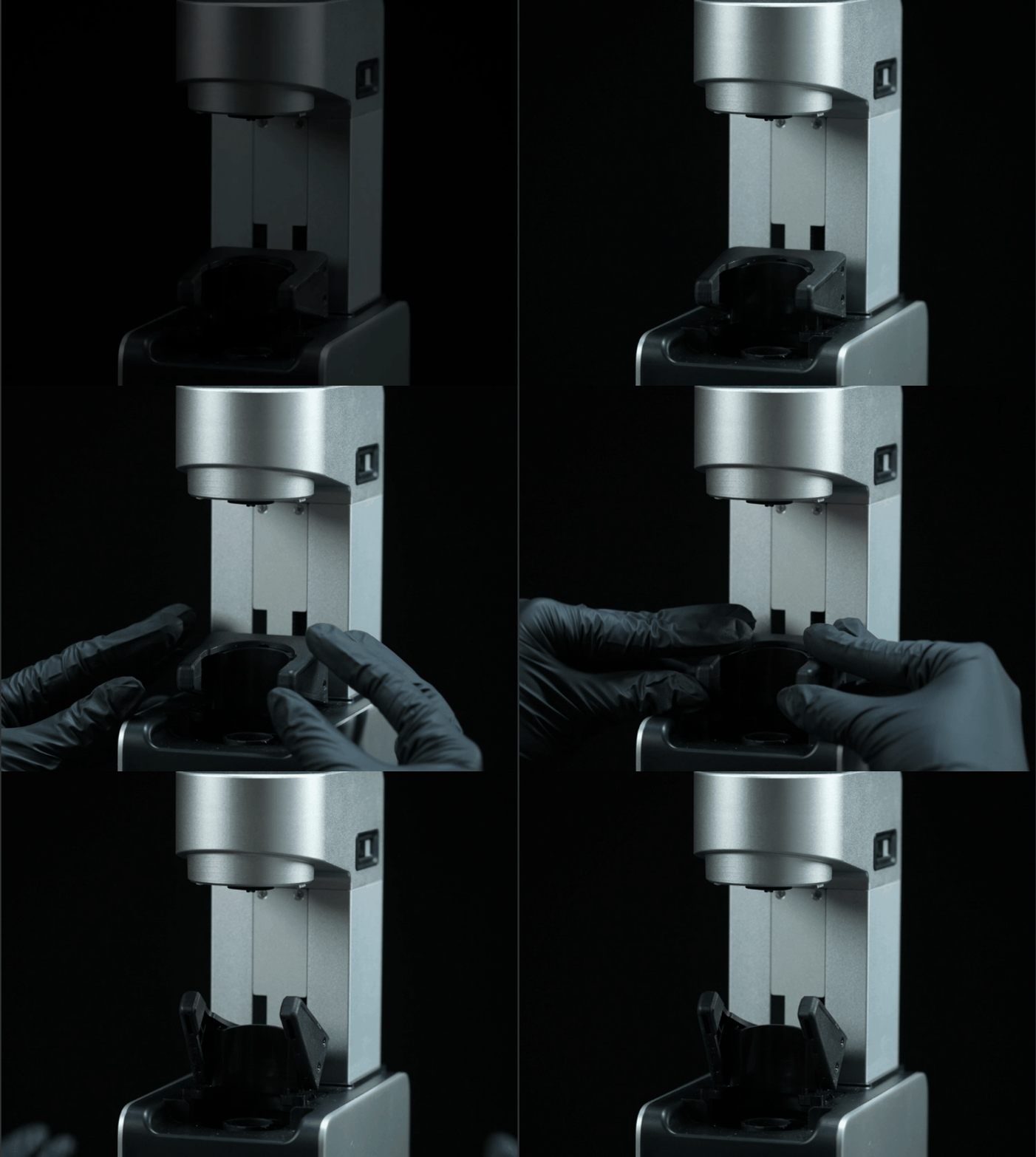
Rotate the latch to unlock the capsule.
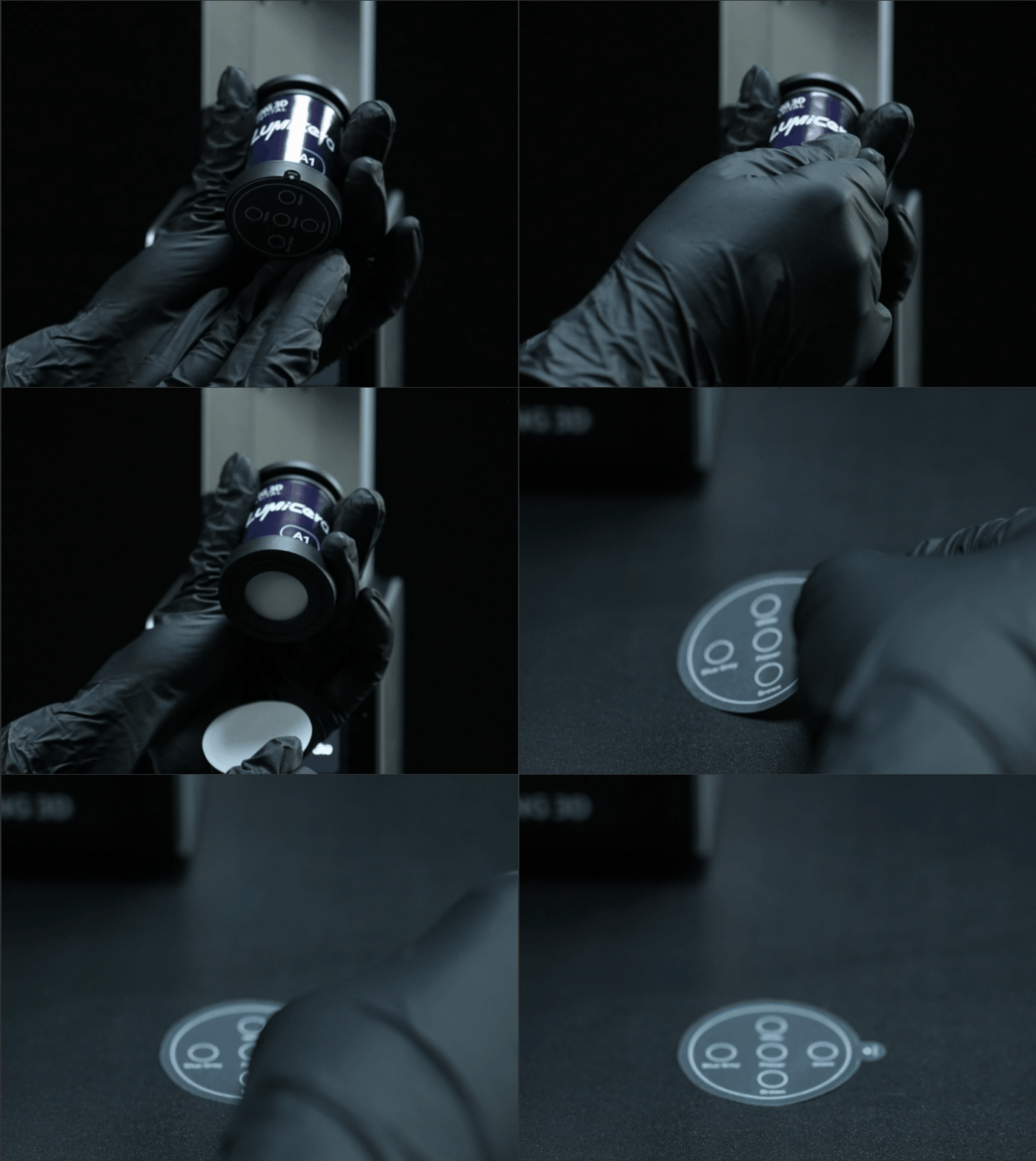
• Remove the Protective Film from the bottom of the capsule and place it on a clean, flat surface.
• It can be used later as a mixing paper for characterization and glazing.