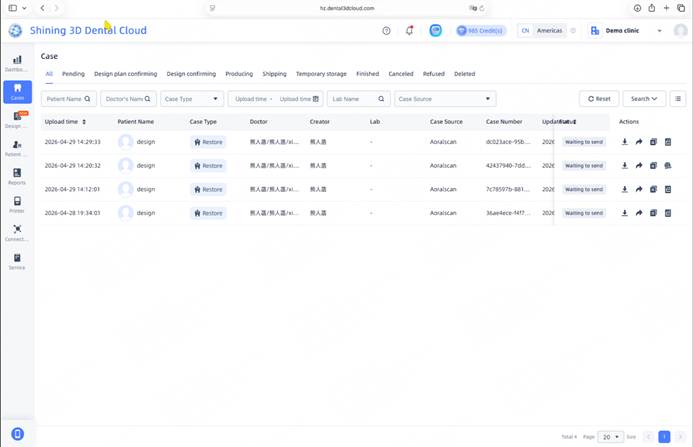
Perform intraoral scanning and ensure that the preparation area data is complete and the margin line is clearly defined.
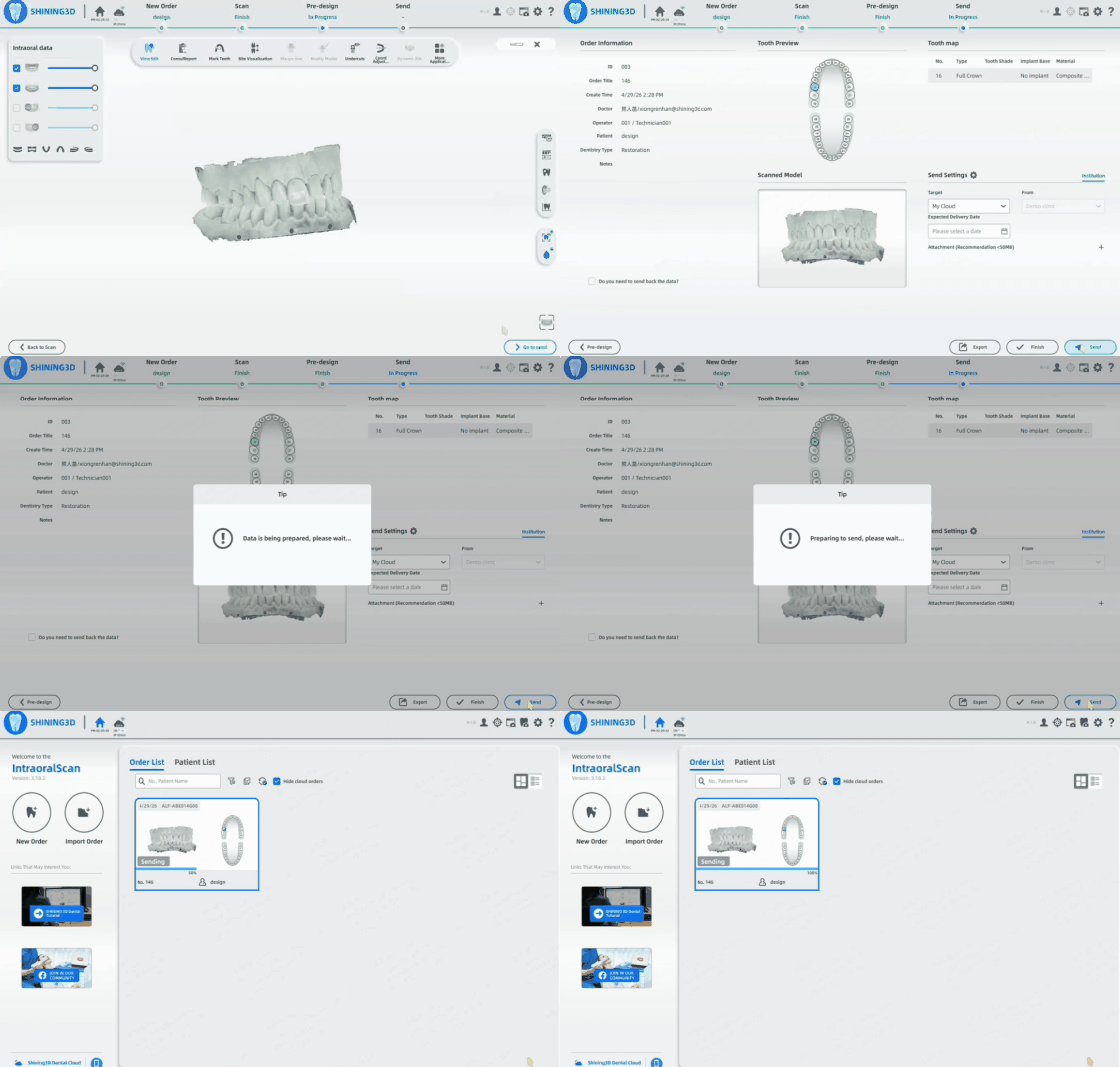
Select My Cloud, click Send, and upload the case to the Dental Cloud.
SHINING 3D Dental Website
Website: www.dental3dcloud.com
SHINING 3D Dental Cloud is a cloud-based digital dentistry platform that connects clinics, laboratories, design centers, and manufacturing facilities. Through a unified platform, users can manage cases, access AI-powered dental design services, collaborate online, and track case progress in real time.
The platform also enables remote printer management, cloud-based slicing, and direct delivery of print jobs to bound SHINING 3D printers.
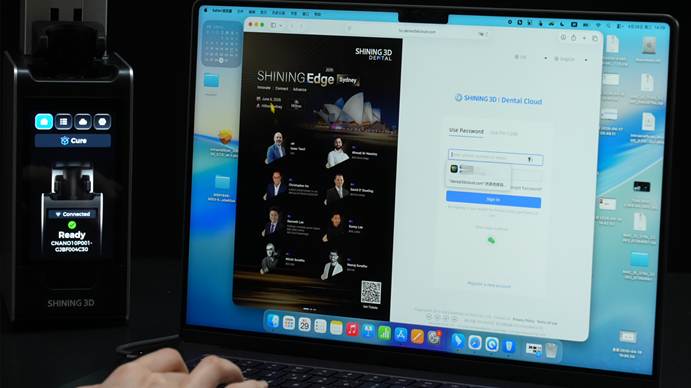
Log in to the dental cloud platform website using your account.