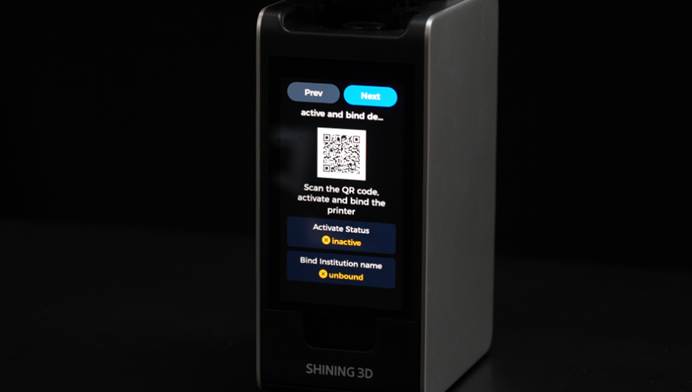
Nano requires a stable internet connection for activation and binding, sending print jobs, and connecting to Dental Cloud.
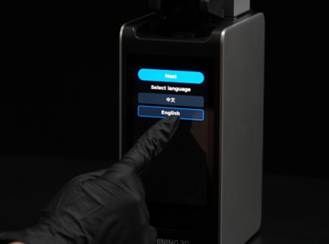
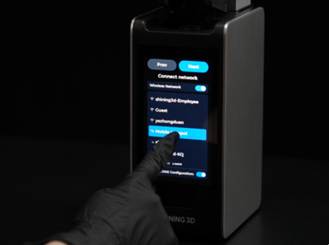
Select your preferred language, then tap Next to enter the Wi-Fi settings page.
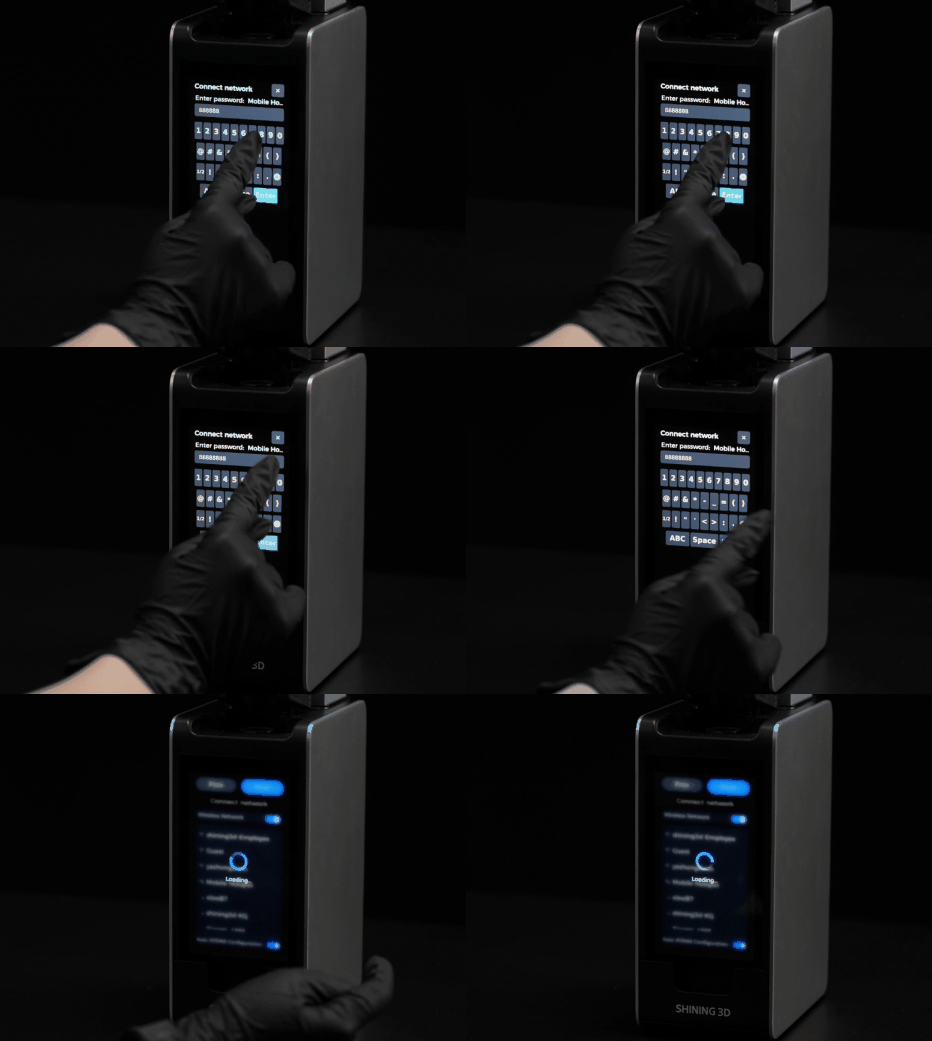
Select a stable Wi-Fi network from the list, then enter the password.
Note: If a stable Wi-Fi network is unavailable, you can use a mobile hotspot to complete printer activation.