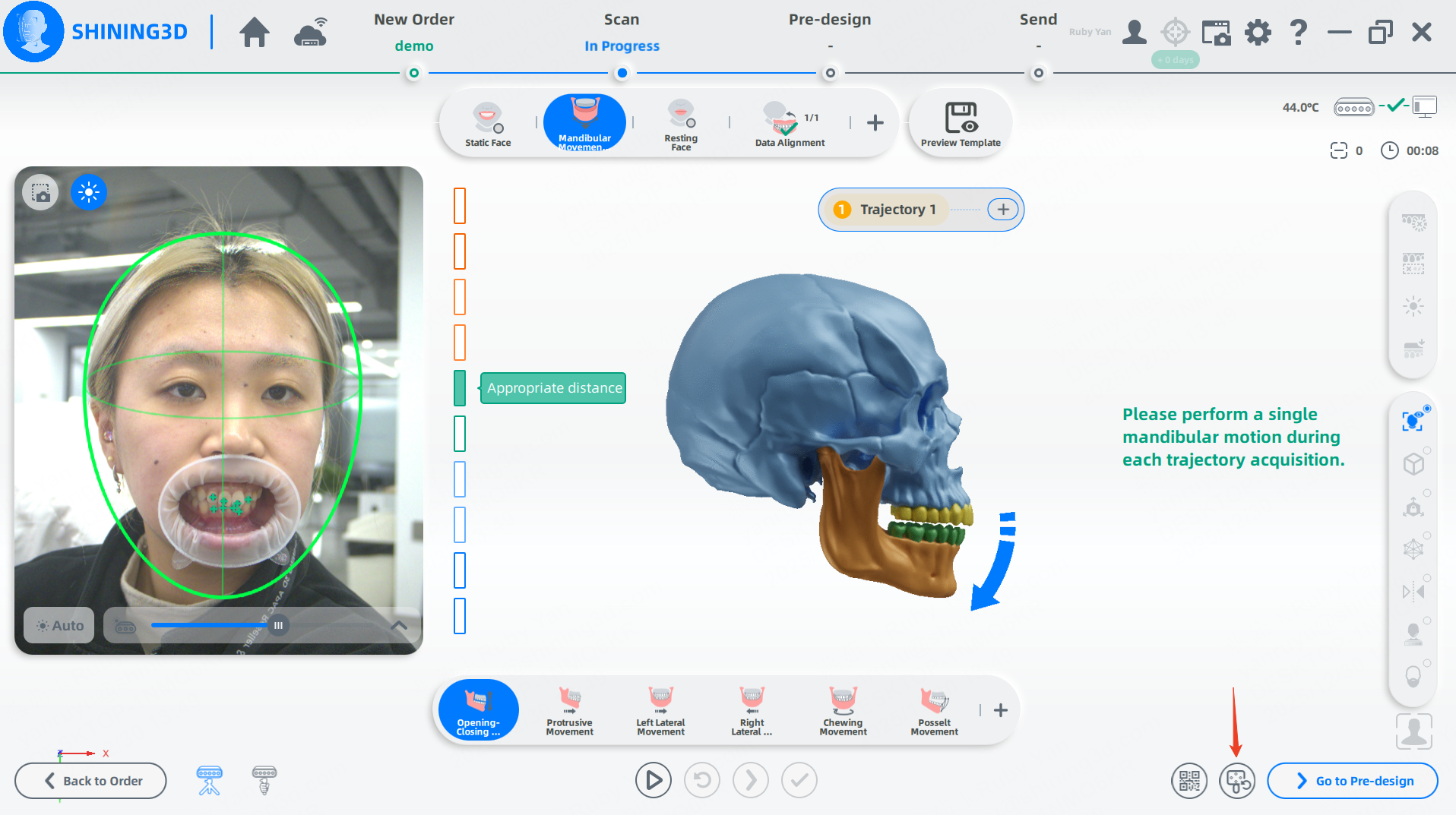
When using the Jaw Motion module, users may encounter the following situation: during the initial marker detection stage, the system displays the markers in green, indicating that they are properly recognized;
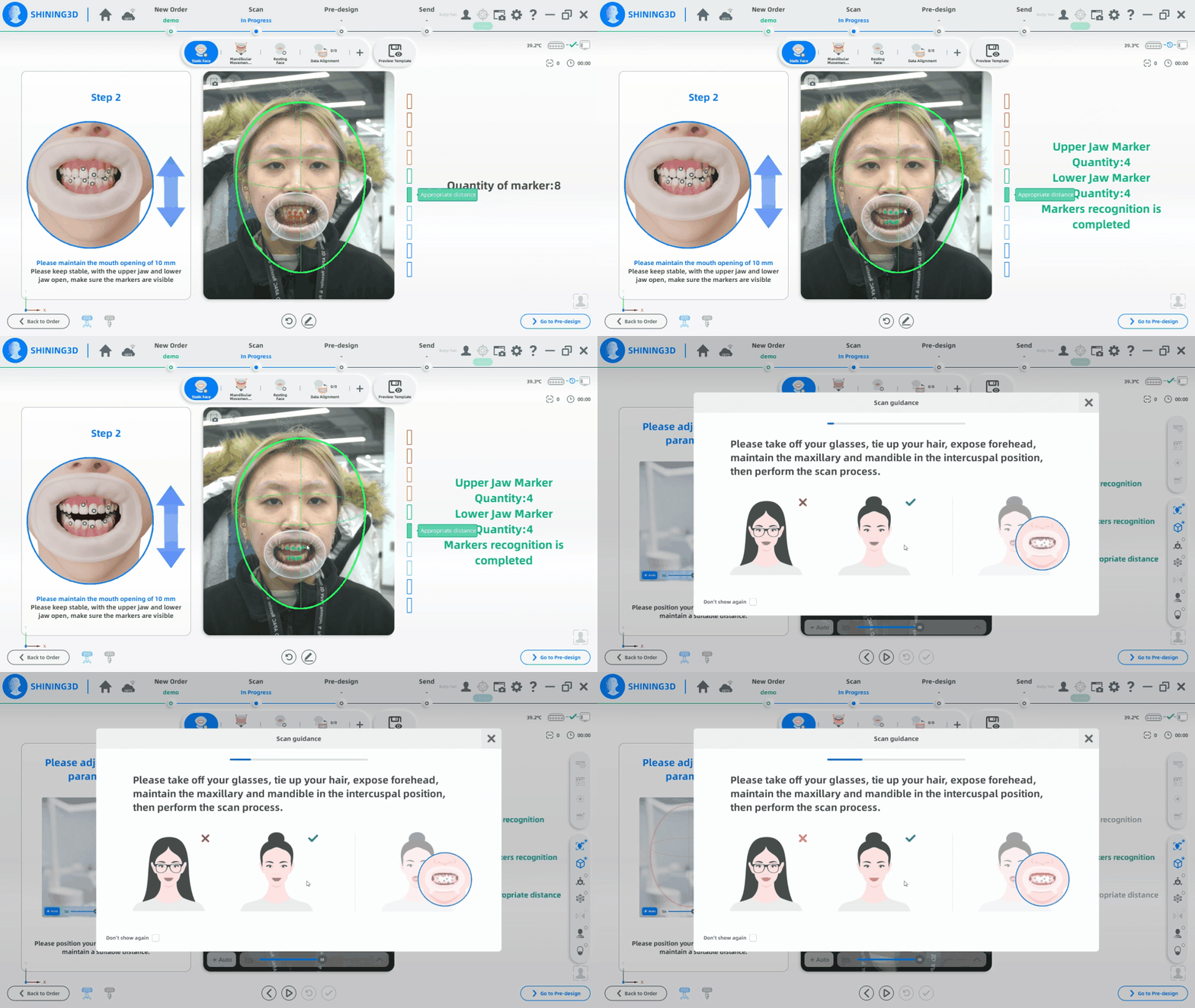
however, during the subsequent scanning process, the markers may no longer be recognized. The main causes of this issue usually include:
- The markers become moistened by saliva, resulting in abnormal reflections and frequent flickering during recognition;
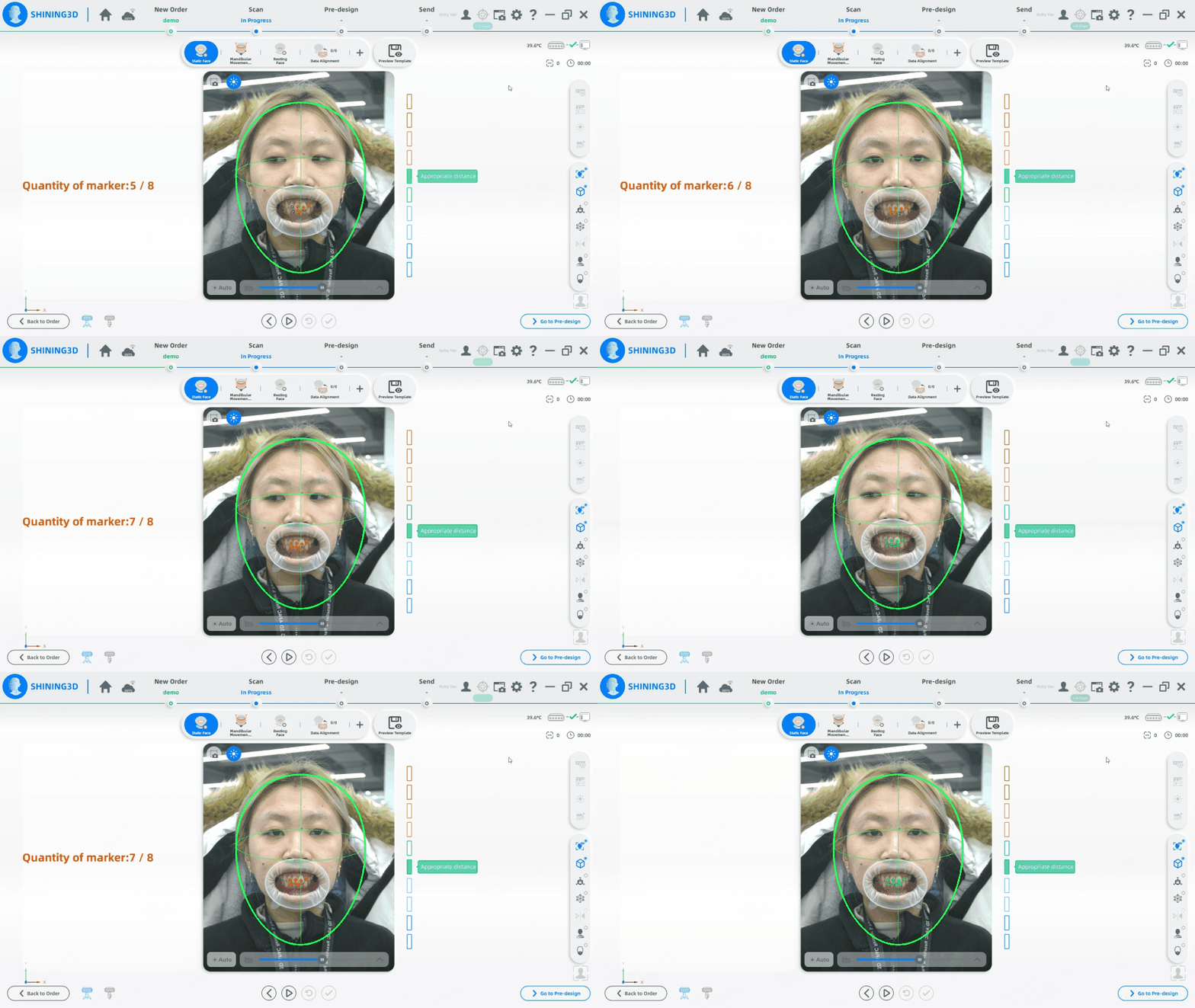
2. Saliva affects the stability of the markers, causing them to shift position, so that their locations during the mouth opening/closing detection step differ from those in the subsequent scanning step.
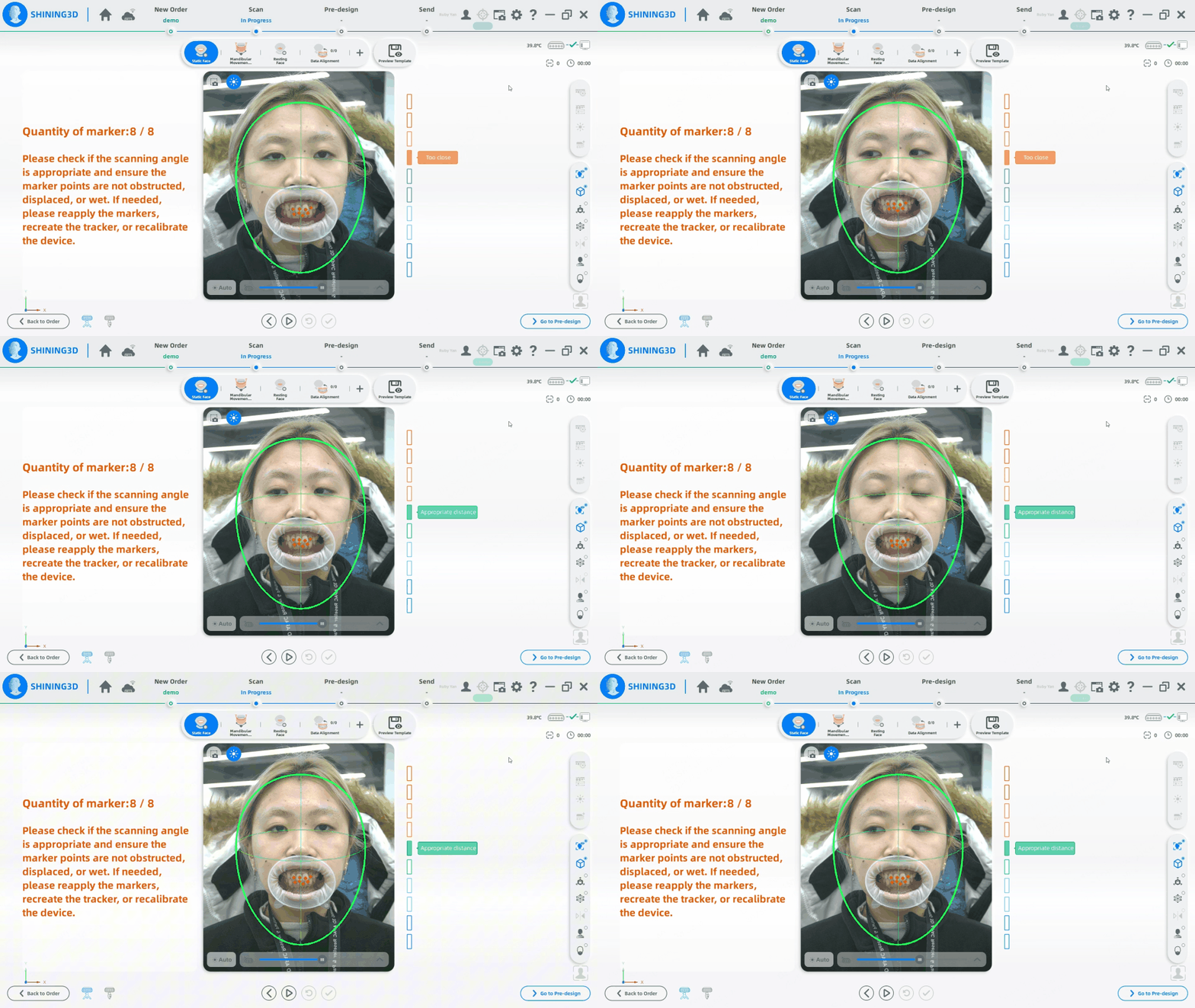
The handling methods vary depending on the stage at which the issue occurs:
- If the markers cannot be recognized during the facial scanning stage, return to the previous step—the marker detection stage—and reattach the markers.
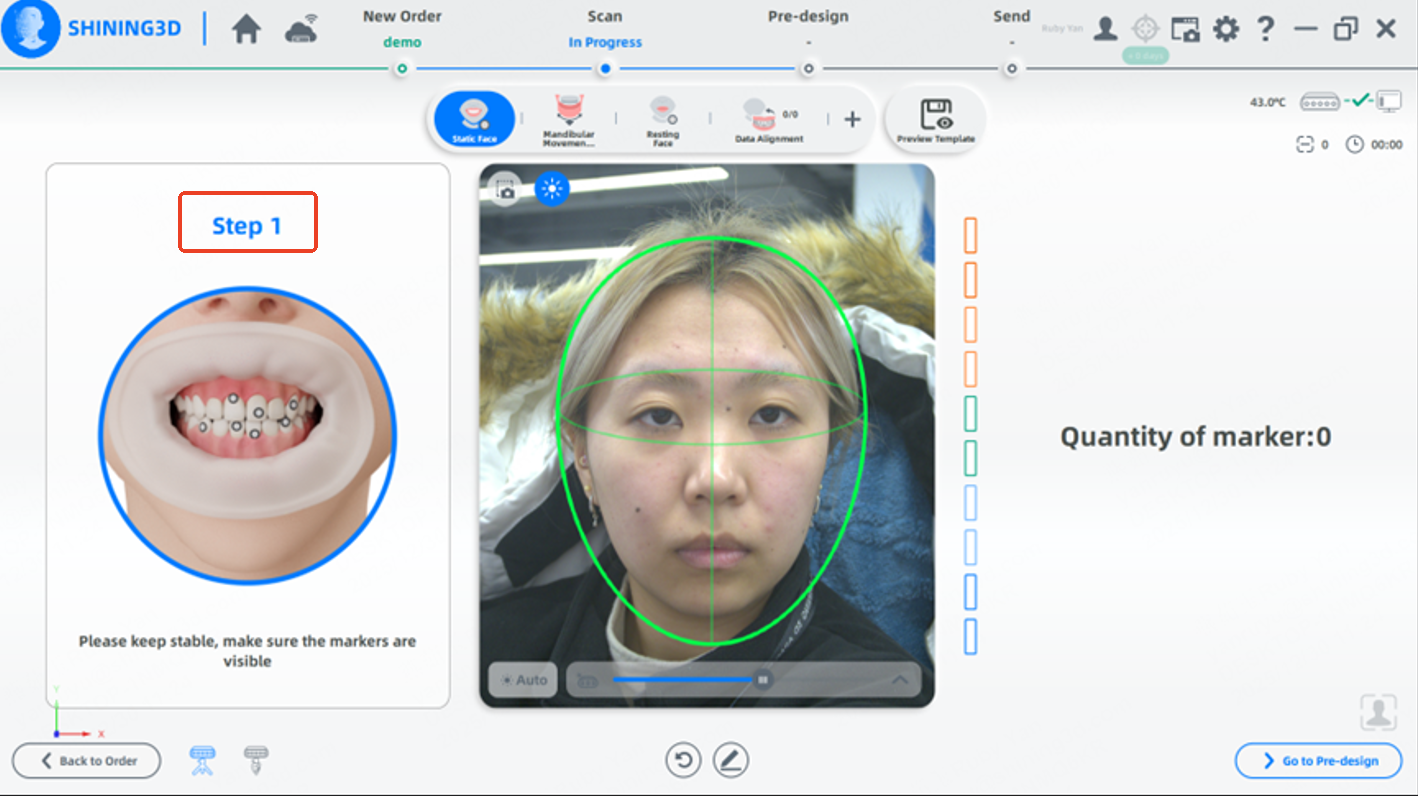
- If the markers cannot be recognized during the Mandibular Movement Trajectory Tracking stage, use the function in the lower-right corner of the interface to recreate the markers. In this case, it is not necessary to reattach all markers or repeat the previous scanning step.