


Recent articles
- Compatible Implant Systems (MUAs) for Screw-Detachable Coded Scanbodies(Updated:10/30)
- Compatible Implant Systems (MUAs) for Screw-Detachable Coded Scanbodies(Updated:10/30)
- Compatible implant system(MUAs)Screw-non Detachable(Updated:10/30)
- Compatible implant system(MUAs)Screw-non Detachable(Updated:10/30)
- Material Instructions For Use(IFU)
- Material Instructions For Use(IFU)
Knowledge Base
-

Warranty Policy and Support Procedures
-
Shining Flow
-

Dental Software
-

Shining3D Dental Cloud
-
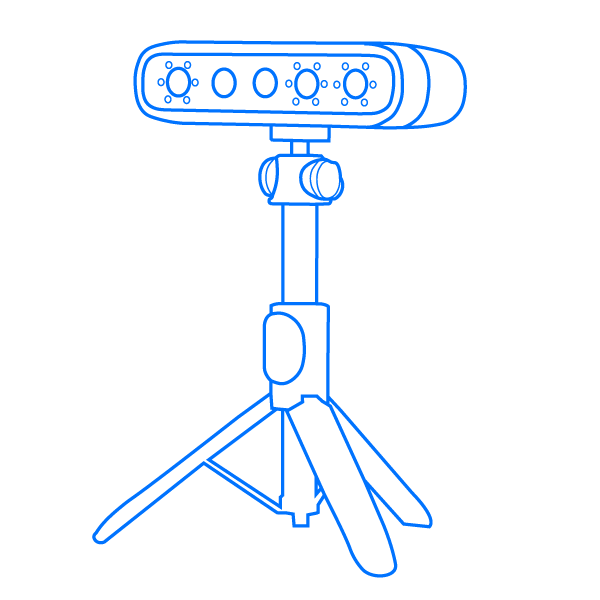
MetiSmile/MetiSmile-MR
-
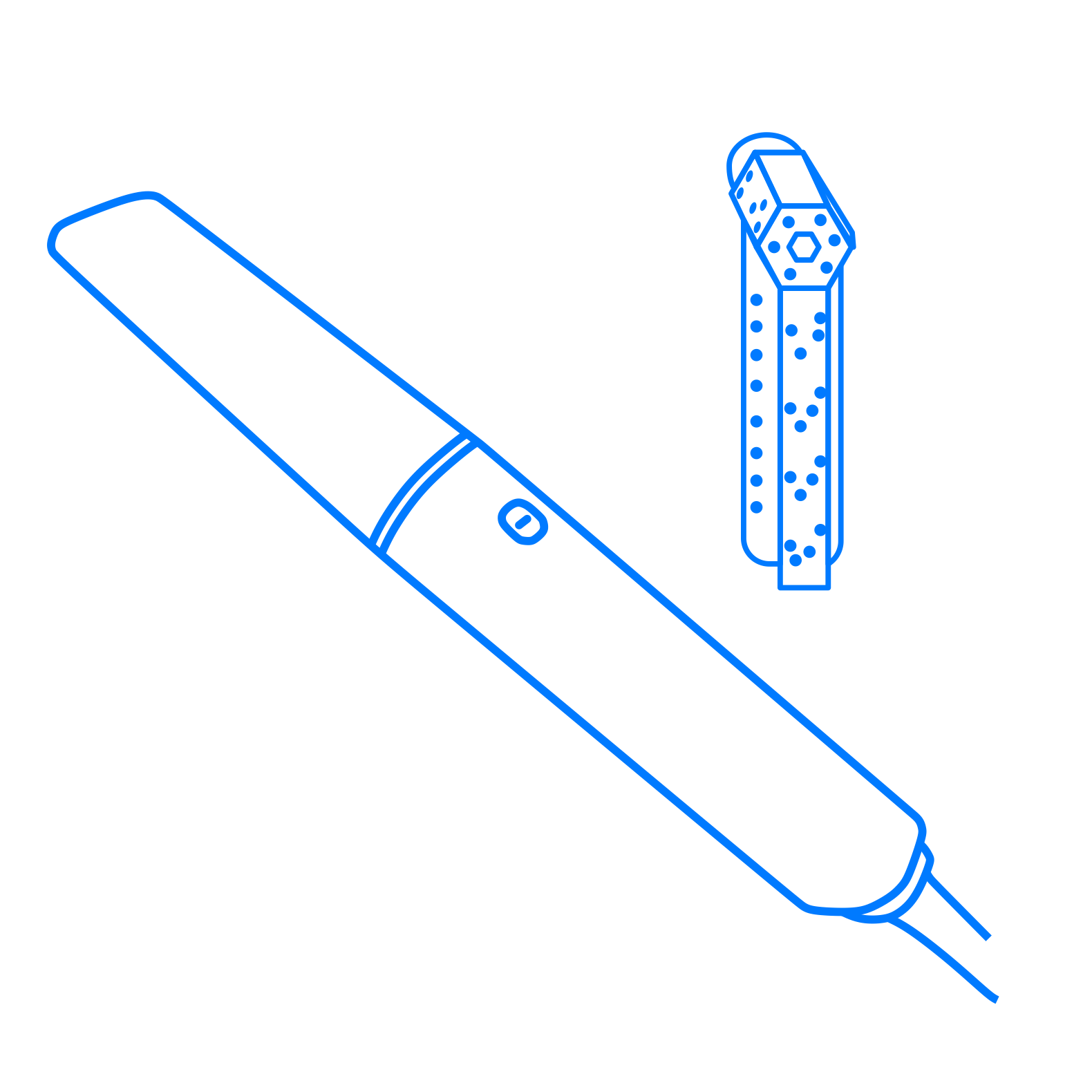
Aoralscan Elite
-
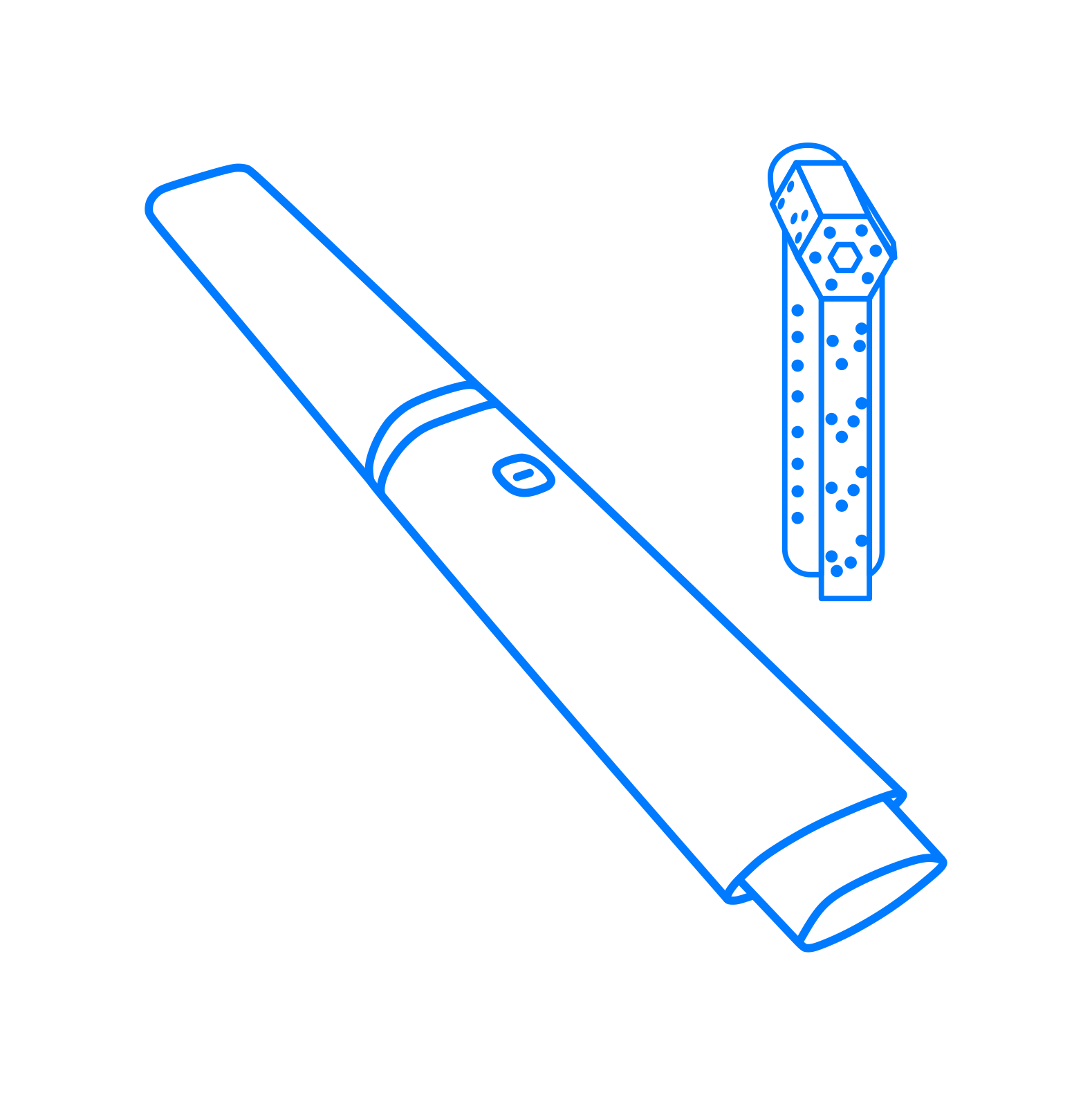
Aoralscan Elite wireless
-
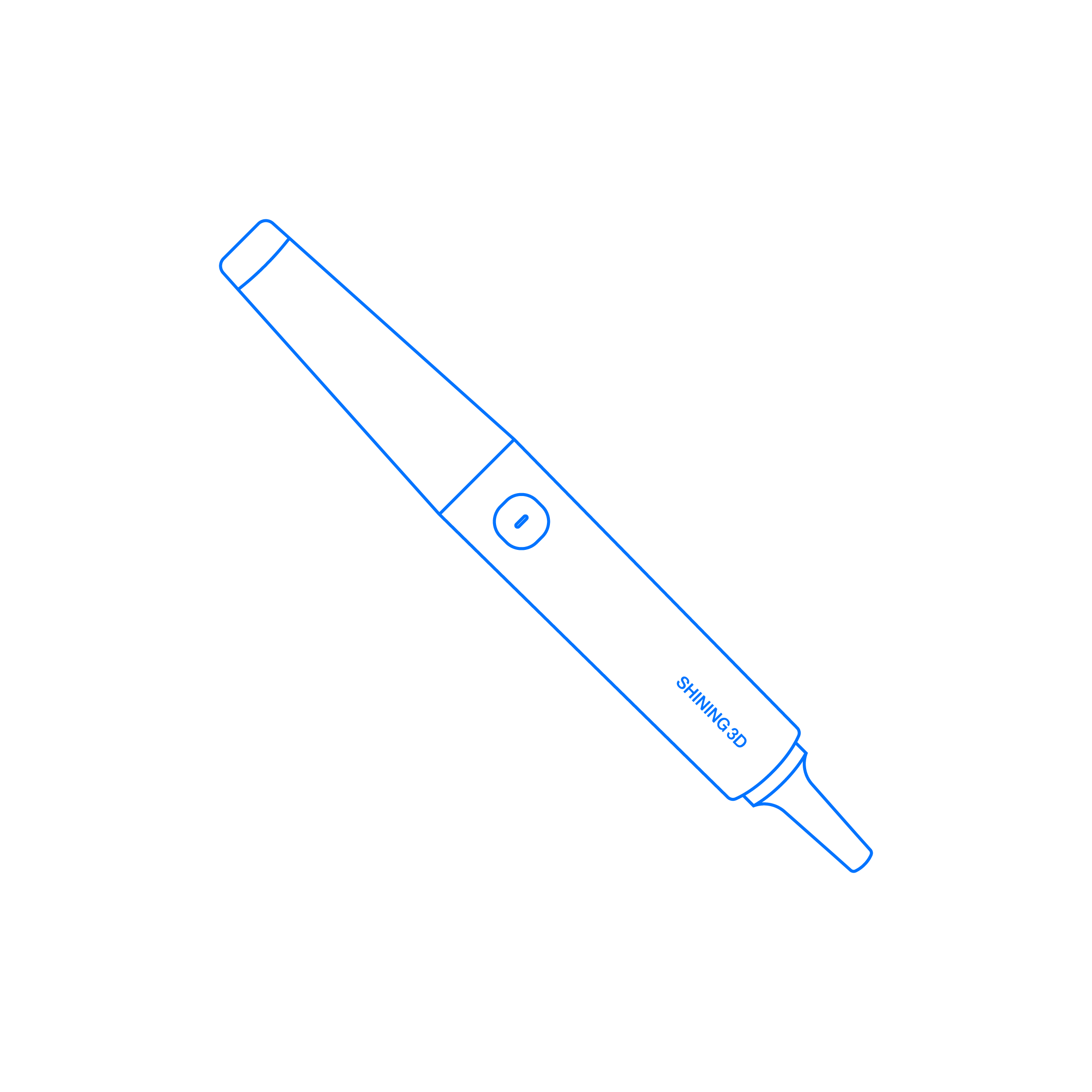
Aoralscan Elf
-
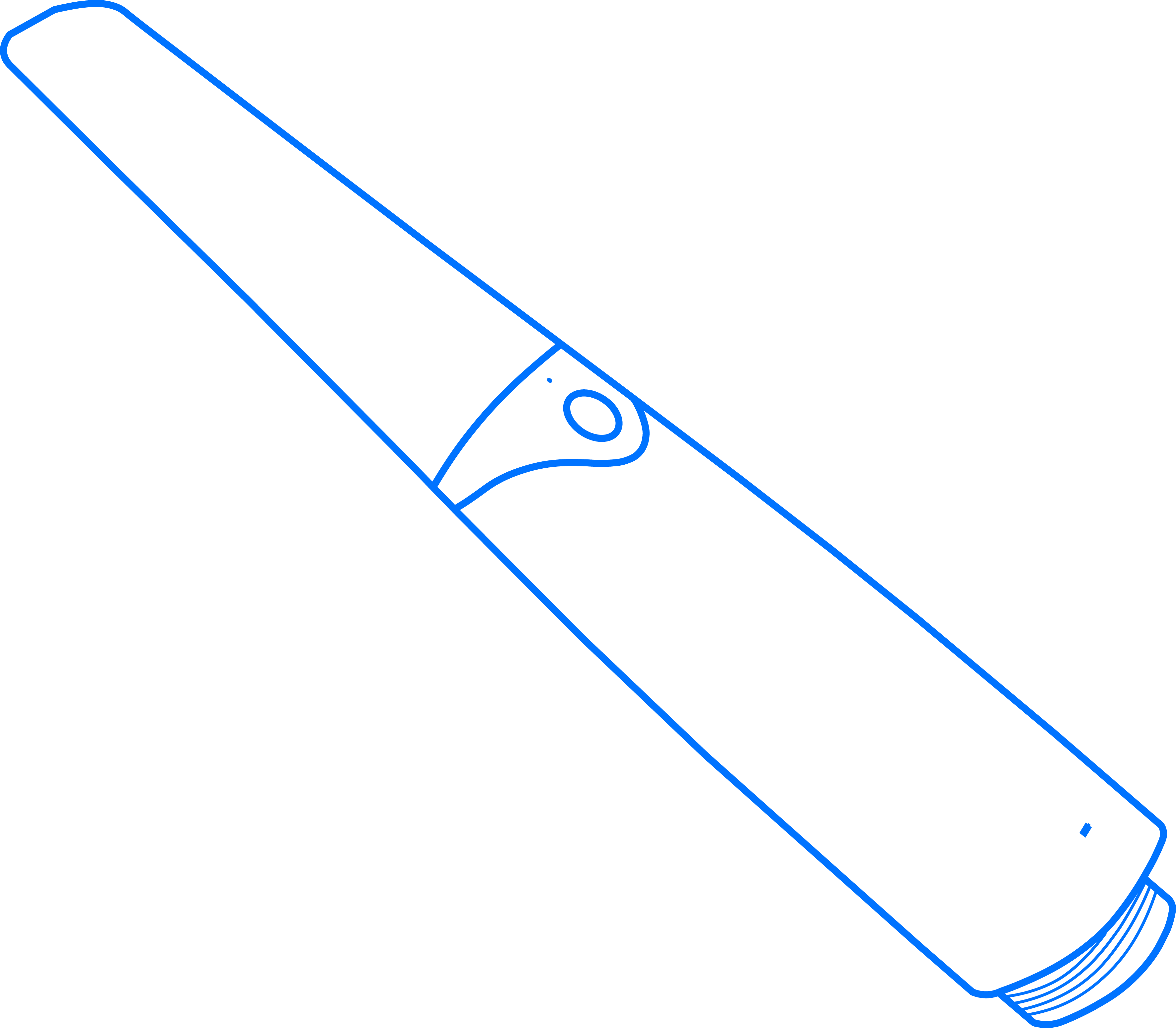
Aoralscan 3 Wireless
-
Aoralscan3
-
Aoralscan2
-
Aoralscan Lync
-
Aoralscan L
-
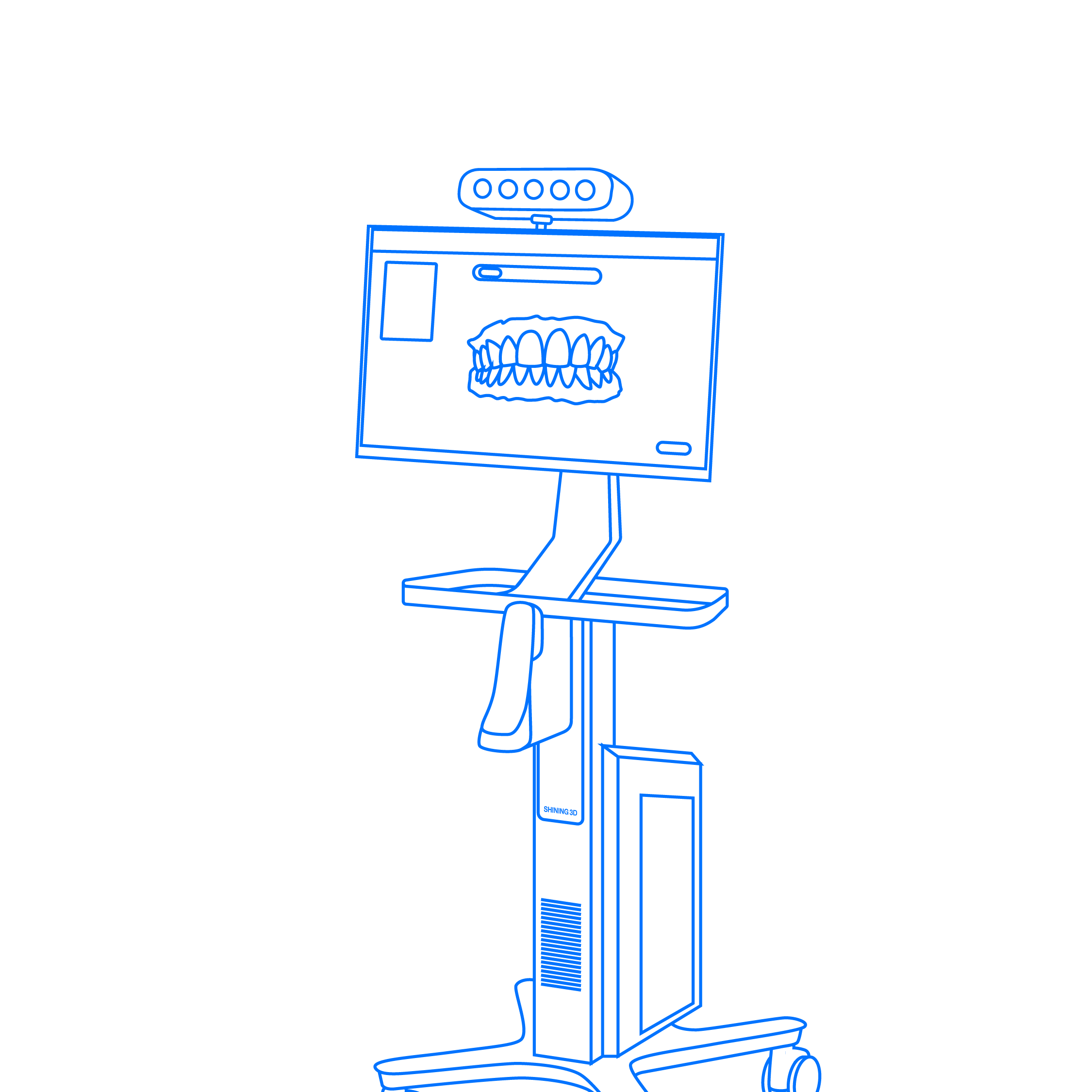
Carts and Stations
-
DS-EX Series
-
DS-MIX
-
AccuFab-Aris
-
Ceramix-Nano
-

AccuFab-F1
-
AccuFab-CEL
-
AccuFab-L4D/L4K
-
AccuFab-D1s
-
AccuFab-D1
-
3D Printing Materials
-
Post Processing Devices