
Unboxing
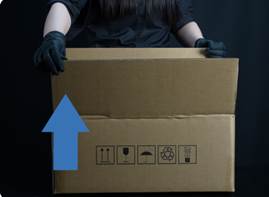
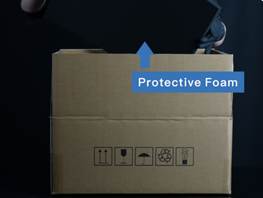
Step 1: Remove the Packaging
• Open the carton from the top.
• Remove the top protective foam.
Note: Keep the original packaging for future transportation or service returns.

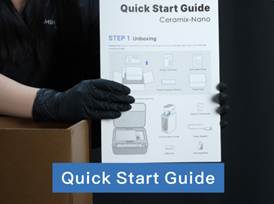
Take out the Product Overview and Quick Start Guide. Please read them carefully before using the printer.
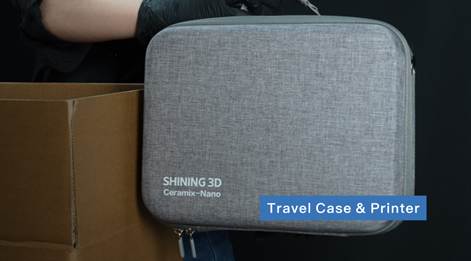
Remove the Travel Case containing the printer.
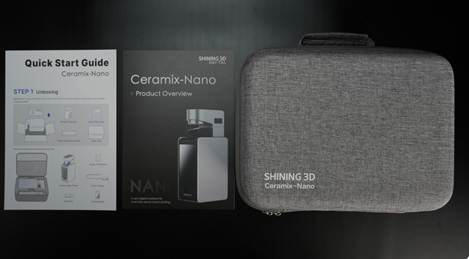
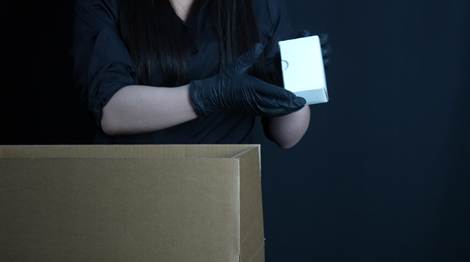
Finally, take out the box containing the Plug Adapter and set it aside for later use.
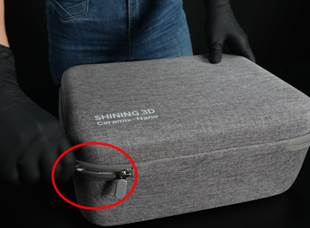
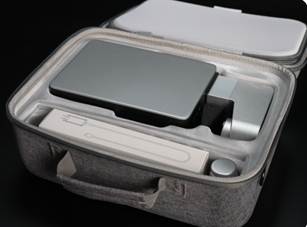
Step 2: Remove the Printer
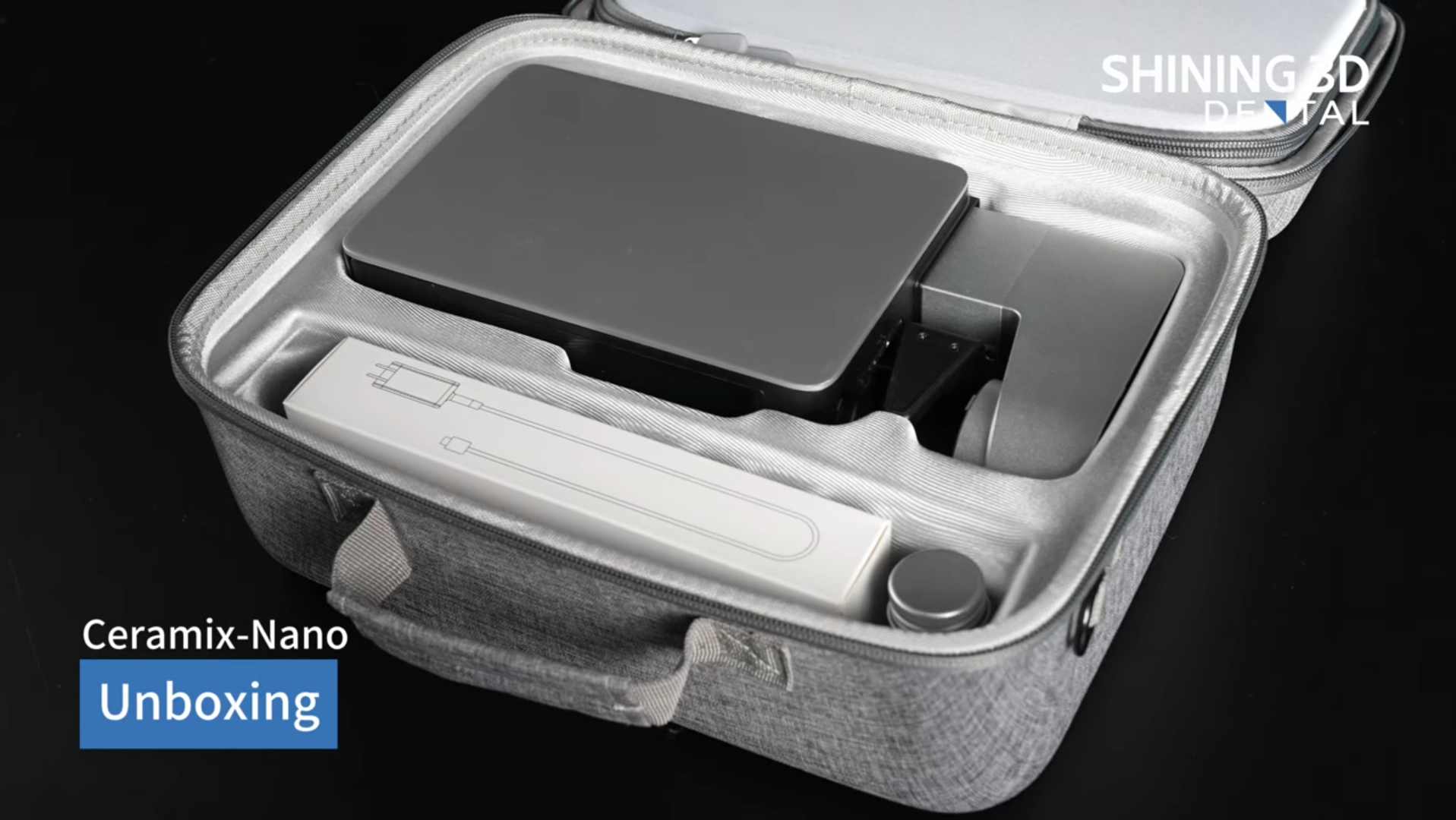
Place the Travel Case flat on a stable tabletop with the SHINING 3D logo facing upward, as shown.
Unzip and open the Travel Case.

Hold the Travel Case steady with one hand, and grasp the printer by the printer arm with the other hand. Carefully lift the printer out of the case.
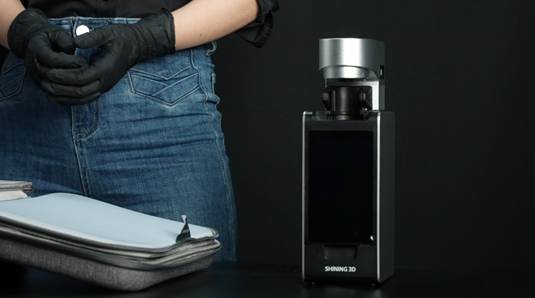
Place the printer upright on a stable, level surface.
Note: Keep the Travel Case for future storage and transportation of the printer.
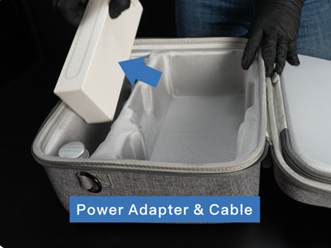
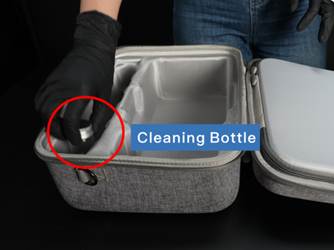
Step 3: Remove the Accessories
• Take out the box containing the Power Adapter and power cable.
• Remove the Cleaning Bottle.
Note: For printed parts that can be cleaned with alcohol, the Cleaning Bottle can be filled with alcohol and used for post- print cleaning.
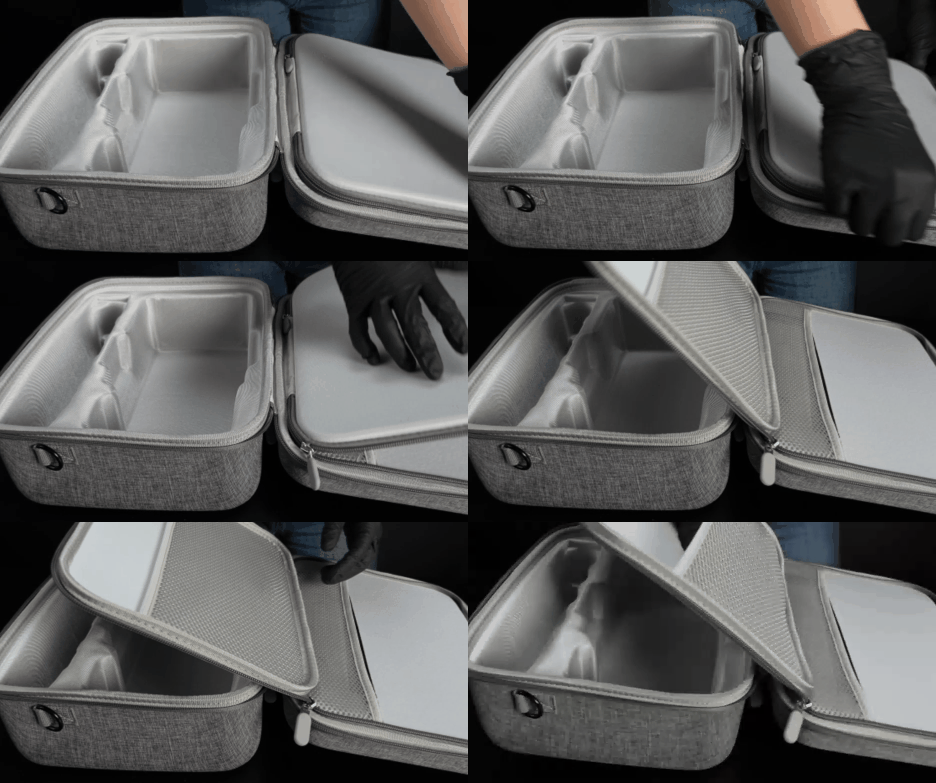
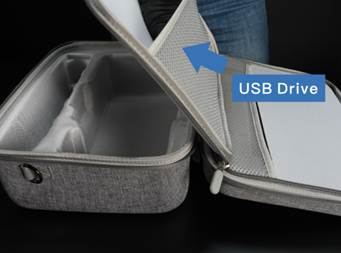
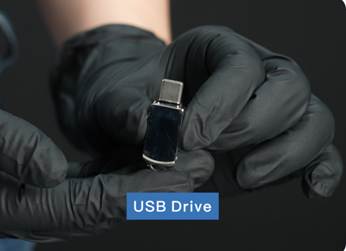
Open the hidden side zippered compartment and remove the USB drive and Detachable Case Strap.
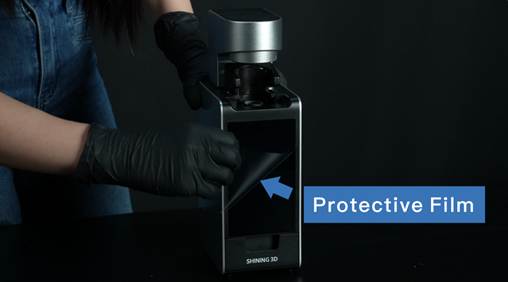
Finally, remove the protective film from the printer touchscreen.
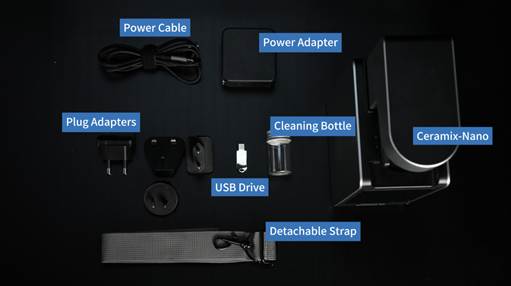
The complete package contents are shown above.